Fighting In-House Backlog with Triage
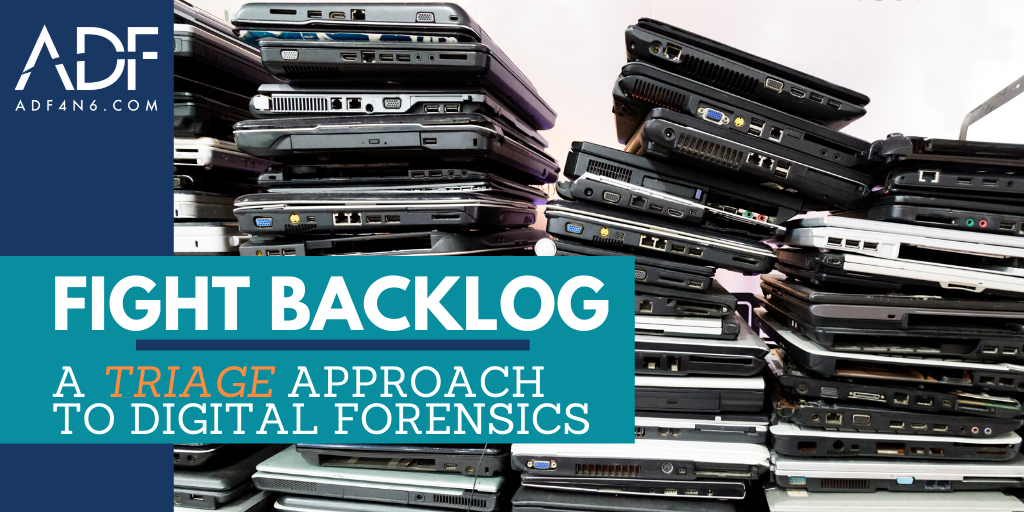
It’s a known issue that many agencies and departments are facing worldwide; how to fight and reduce backlog to stay up to date on cases so that they don’t get stale. It’s a serious issue, but we at ADF can show you a few ways to fight in-house forensic backlog with digital forensic triage.
One of the main issues that surrounds digital forensic backlog is a traditional model without the implementation of triage. In this model, investigators open a case, investigate, execute search warrants, seize everything, and put the devices into a line for examination. This creates a tremendous amount of evidence to sift through, which can hold up the process of moving an investigation forward.
How, then, can you mitigate those issues in your day to day workload so that it is easier? How can your investigators be able to continue their cases in a timely manner so that your prosecutors are happy because the case doesn’t become stale?
The answer is in-lab triage; preparing the upcoming cases by putting the most relevant devices in line first and eliminating those that are unnecessary for your investigation. The beauty of in-lab triage is that minimal equipment and personnel are needed, and by utilizing ADF software in the field (this is where Triage InvestigatorⓇ comes into play), your officers are able to perform scans with minimal digital forensic and evidence knowledge.
Once you have the equipment and the personnel necessary to run ADF (a combination of Digital Evidence InvestigatorⓇ and Triage InvestigatorⓇ works best), it’s all about creating a process to attack that backlog. Among the strategies in this video are the ability to select or create Search Profiles that fit your criteria, using crime or case specific keywords or hashes, and using those keywords and categories to run a red light/green light scan against all file and folder names.
With task forces, or many investigators, an examiner can have more control by customizing profiles, control of settings on Triage InvestigatorⓇ (TINV) machines, and deploying what the investigator can utilize with TINV on the devices to be triaged. Once the in house backlog has been addressed, investigators can move to battling backlog out in the field with the same tools and adding Live scans, RAM Collection, Imaging, Analysis, and Reporting, all before hitting the evidence locker.