Learn

ADF how-to videos

Learn digital forensics at your own pace with short, practical videos from ADF's experts.

News

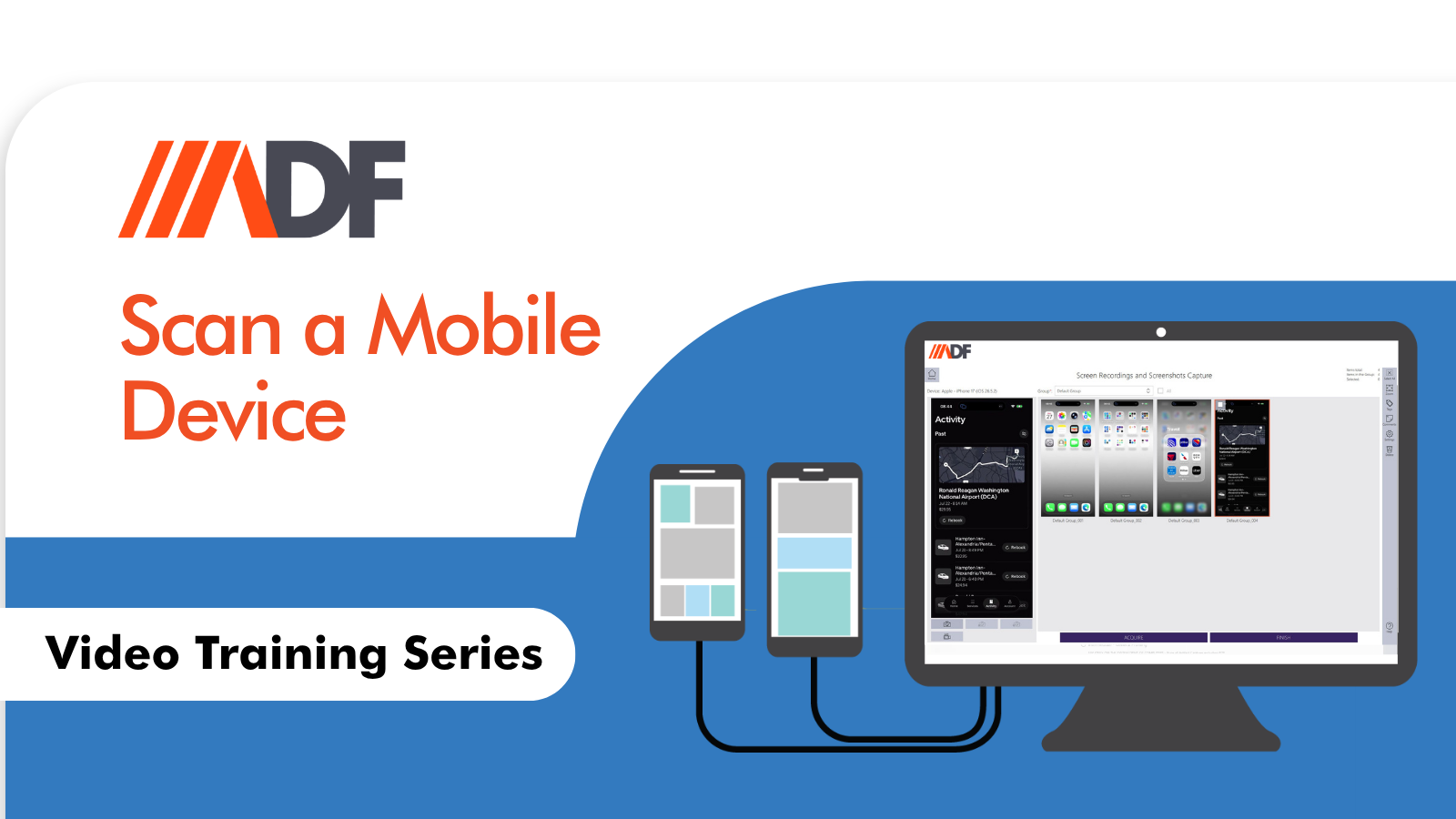
How to Scan a Mobile Device in ADF Pro and MDI

When investigators think of Mobile Device Investigator (MDI), the first word that often comes to mind is “speed.” It is the gold standard for on-scene triage—helping frontline officers and forensic examiners quickly engage with victims and witnesses, manage consensual encounters, and secure evidence before it walks away. However, viewing MDI purely as a “speed-only” tool...
News

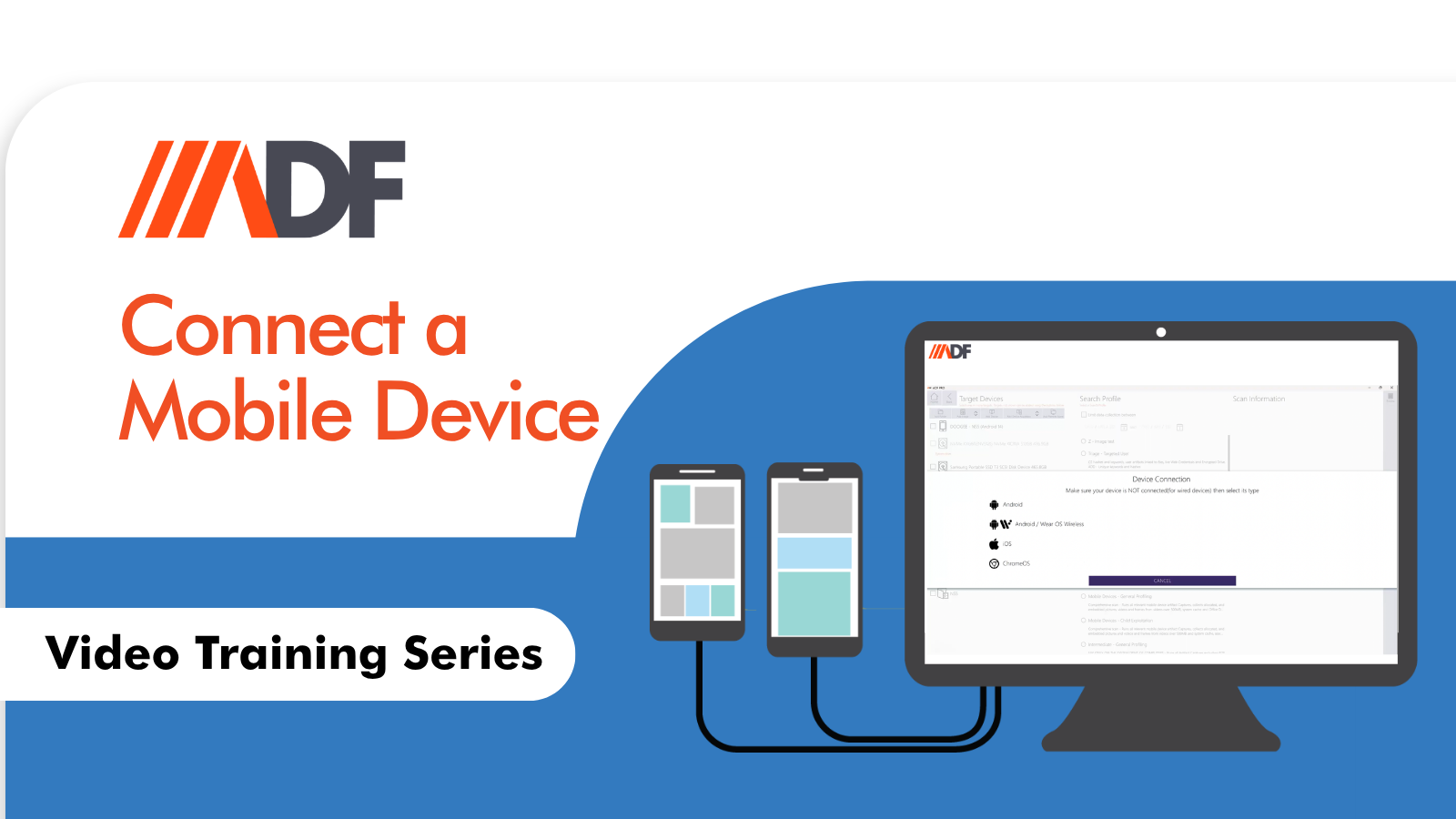
How to Connect a Mobile Device Using the Connection Wizard in ADF Pro and MDI

In digital forensics, the quality of your examination often hinges on something deceptively simple: how you connect the mobile device to your forensic tool. A proper, reliable connection is not a minor technical detail—it is the foundation for acquiring data that is complete, accurate, and admissible. When that connection fails or is configured incorrectly, evidence...

News

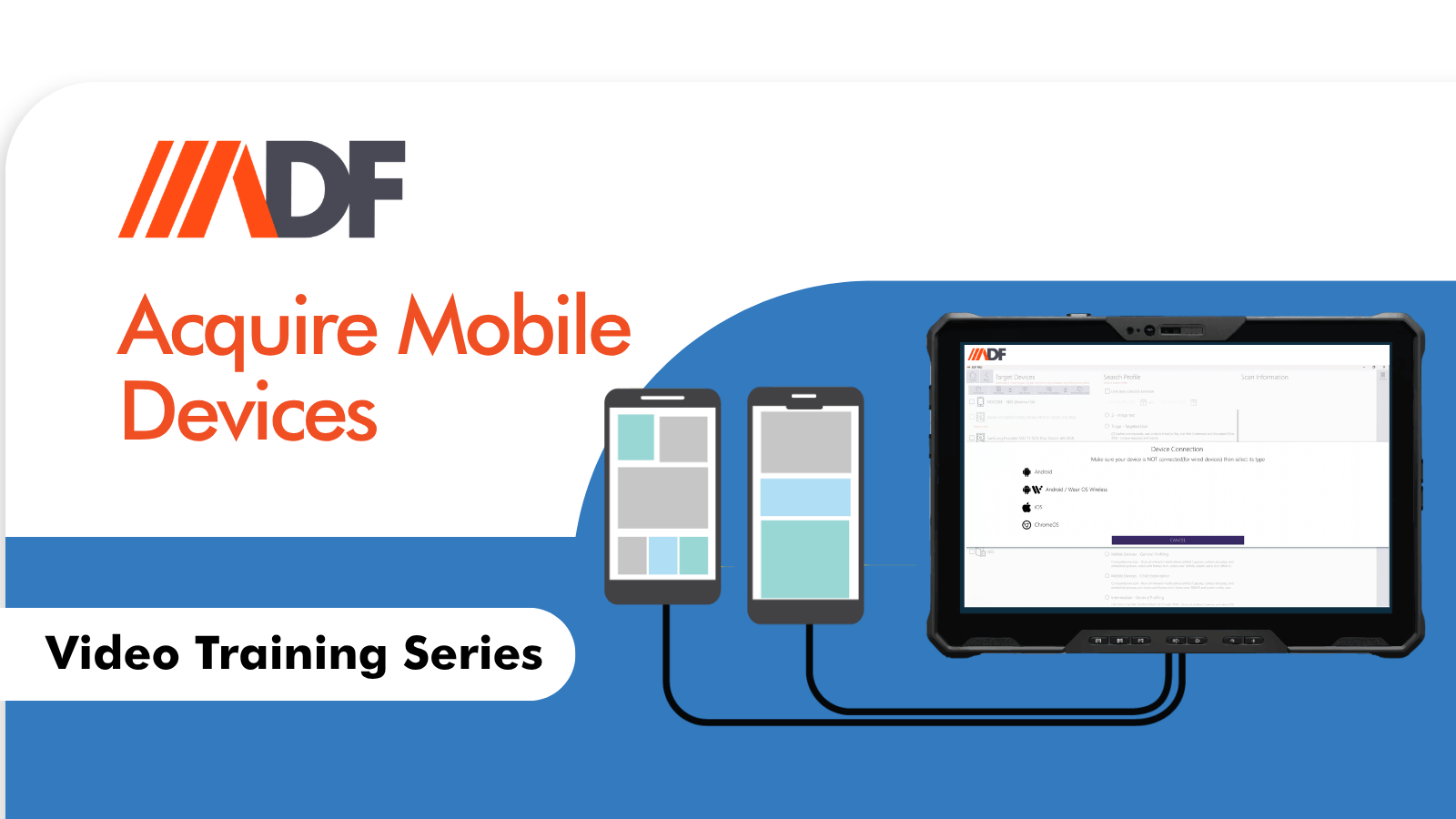
How to Create an Acquisition of iOS and Android Devices in ADF Pro and MDI

Often, when investigators think of ADF Solutions, the first thing that comes to mind is rapid triage—getting to the critical evidence fast. And while our tools excel at that, they offer much more. We understand that your workflow isn’t always about racing against the clock. Sometimes, you need to manage a backlog, and sometimes, you...

News

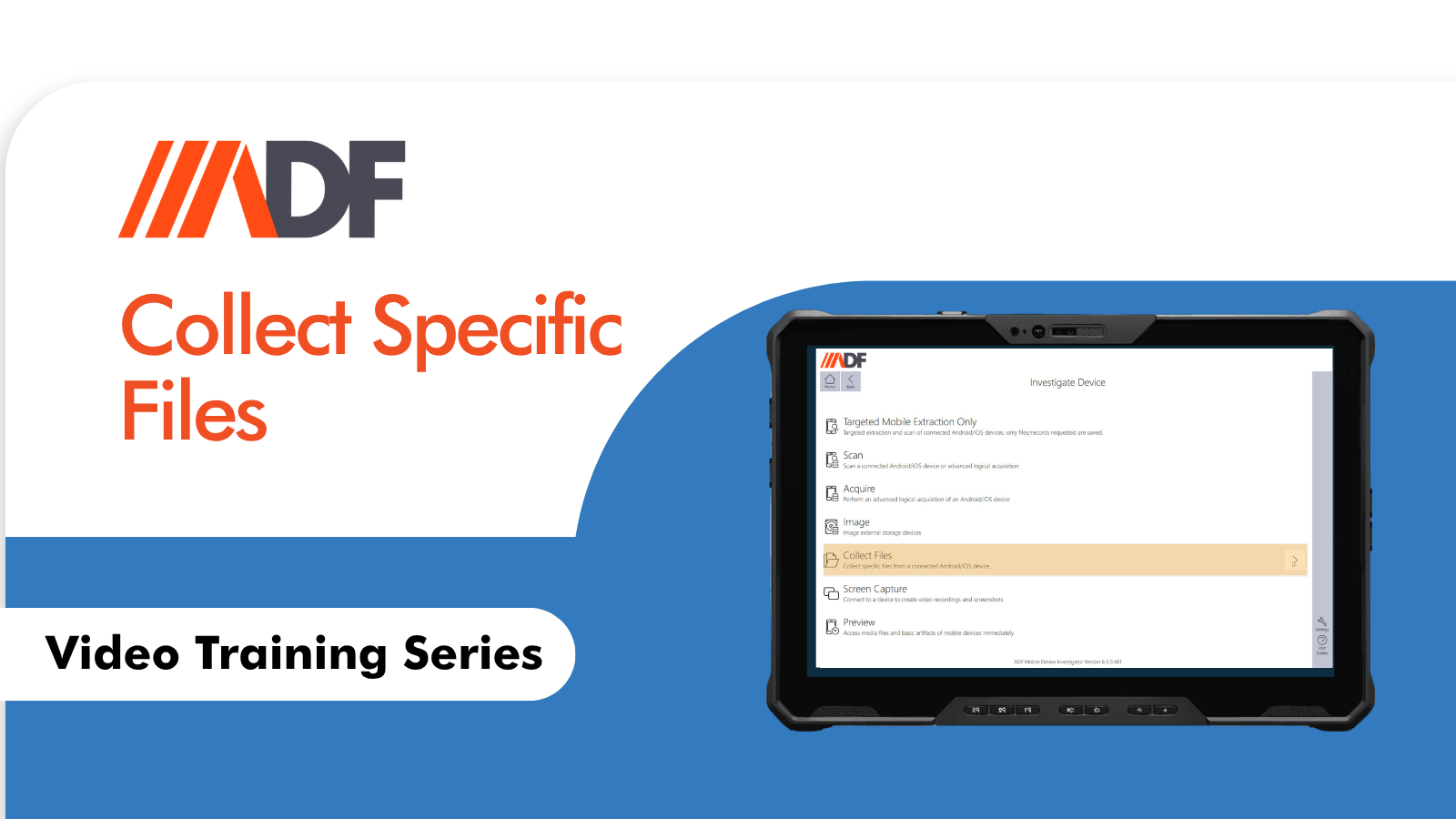
How to Collect Specific Files in ADF Pro and MDI

In the critical early stages of an investigation, speed is everything. Often, a single photo or video from a cooperative witness is all you need to identify a suspect or piece together a timeline. But when time is tight and resources are limited, many investigators fall into the trap of “manual acquisition”—asking witnesses to email...
News

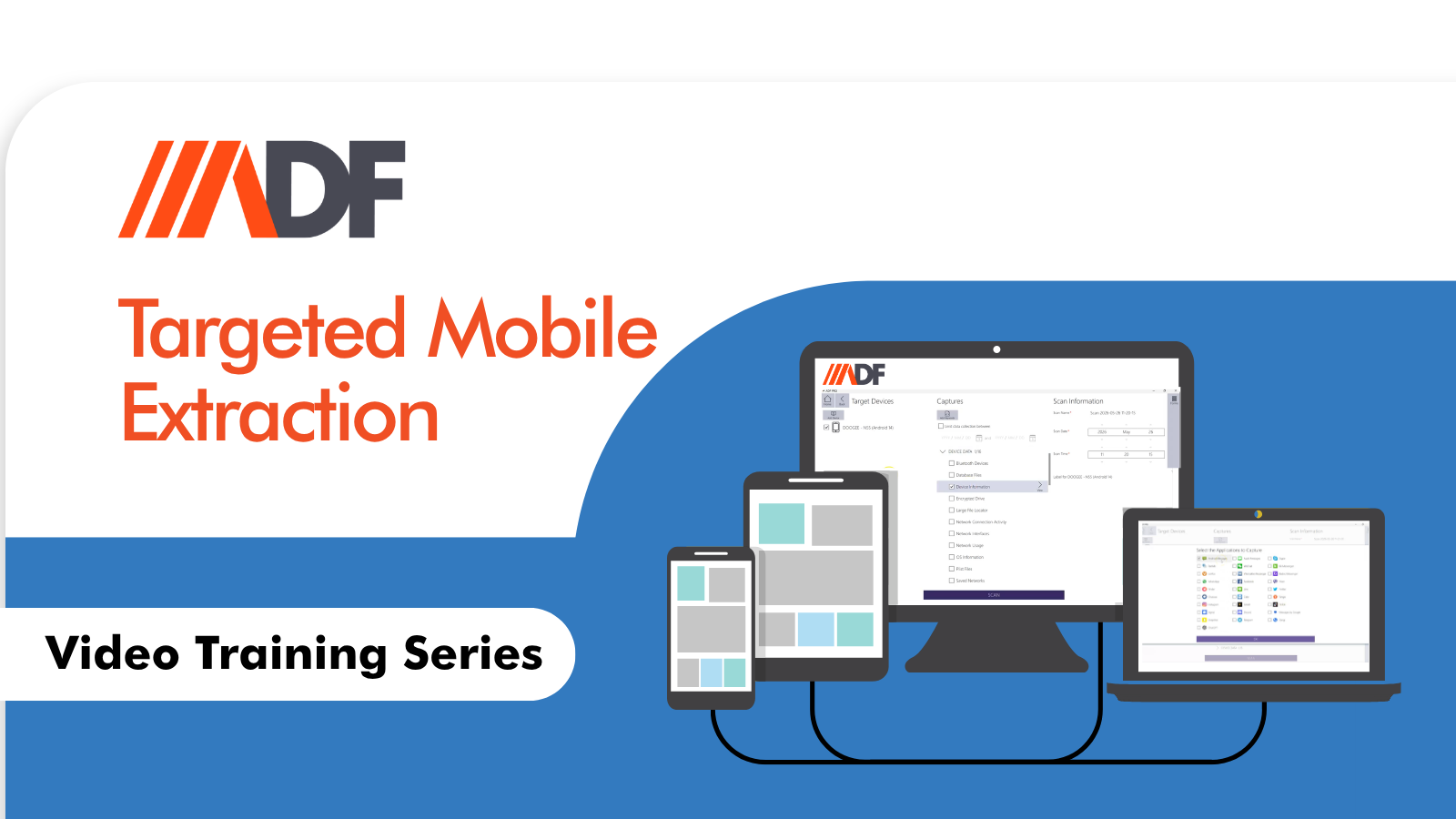
How to Perform Targeted Mobile Extraction in ADF Pro

Law enforcement faces significant Fourth Amendment constraints when searching data on mobile devices, primarily due to the vast amounts of highly personal information these devices hold. Courts require warrants to be supported by probable cause with specificity in describing the places to be searched and things to be seized. This limits “fishing expeditions” into entire...
News

How to connect to an iOS device for Screencasting

To connect an iOS device to ADF PRO or Mobile Device Investigator, it’s essential to have iTunes installed, as ADF leverages iTunes for the proper connection. Begin by unlocking the device, setting Auto-Lock to Never, and accessing the “Add Device Wizard.” Following the prompts to establish a device connection, you’ll have access to more data...
News

How to get started with Bluetooth Capture

When you mention Mobile Device Investigator® and ADF PRO to an investigator, they have become synonymous with Mobile triage and working in consensual situations to document evidence in a fast, efficient, and user-friendly process. Instant real-time preview of mobile devices, collecting file(s) via MTP, screen capture (still and video), and Advanced Logical Acquisition and parsing...
News

Digital Forensics Age Detection and Facial Analysis

Crimes against children investigations can lead CSAM investigators to have to review thousands or even tens of thousands of images. Investigators need tools to help them find relevant evidence quickly.  ADF’s Digital Forensics Age Detection capabilities allow investigators to take advantage of automated facial analysis and image recognition to filter results. The system can automatically...

Product Video

Investigating Chromebooks to Speed Your Digital Investigations

ADF Solutions has opened the door to exploring Chromebooks in mobile forensics. With our initial version, you can conduct logical acquisitions, screencasts, and even record specific applications. This how-to video will walk you through the process, helping you leverage ADF Solutions to investigate Chromebooks effectively. Before you begin: Ensure accessibility: You’ll need physical access to...

Product Video

Mac Triage Made Easy: Using the Mac Remote Agent with ADF

Mac Triage just got a whole lot easier. The addition of the Mac remote agent allows you, with ease, to make decisions on scene regarding Mac computers with ADF computer triage of Mac computers. You can conduct a quick triage scan consisting of detecting images and videos, running crime or case-specific keywords, and comparing hashes...

News

Enabling Developer Mode on iOS 16 to Take iOS Forensic Screenshots

With each new release by a Mobile OS developer comes changes that affect the way the data is obtained from these devices, with the release of iOS 16 by Apple, there were some major changes. ADF Solutions has been at the forefront of collecting this data in early case assessments, digital forensic triage, consent searches...

News

Screen Recording, Screenshots, and Screen Mirroring on Android

Victims and witnesses are encountered every day in law enforcement and you can almost guarantee that they will have some sort of digital evidence to go along with their account of the situation or incident. No need to look any further than the window to their world: their mobile device. Mobile devices have become an...

News

Live Mac Forensics: Round Out Your On-Scene Triage

When conducting on-scene triage for any type of crime it is essential to be prepared for any devices you may encounter. It is important to pre-plan and try to figure out what type and how many devices you may encounter, but no matter how many times you read the report or conduct pretextual calls your...

News

Learn Computer Forensics: Collect Saved Web Credentials in the Field

ADF’s Quick-Saved Credentials profile is a powerful profile that extracts the usernames and passwords from Web Browsers and is built so it will not trigger antivirus applications when attempting to collect web credentials. This makes the investigator’s job easier on-scene, requires less interaction with the device, and allows for more records to be parsed thereby giving...

Product Video

Learn Mac Forensics: Mac Boot for M1 and T2 Chips | DFIR for Computers

ADF tools have the ability to scan all available Mac computers (M1 and T2 chips) with all types of encryption and virtual drives by running a remote agent that communicates with the desktop application.    How to Collect Evidence on a Mac To perform Mac Forensics, follow these instructions.  Direct Ethernet Connection There are several...

News

Obtaining Your ADF Evaluation License

Welcome! You have a requirement or need and decided to evaluate one of the ADF products for your computer forensic, mobile forensic, or triage workflows. You have observed the videos and have most likely been through a demonstration or two and have a better understanding of the functionality you are looking for. We here at...

News

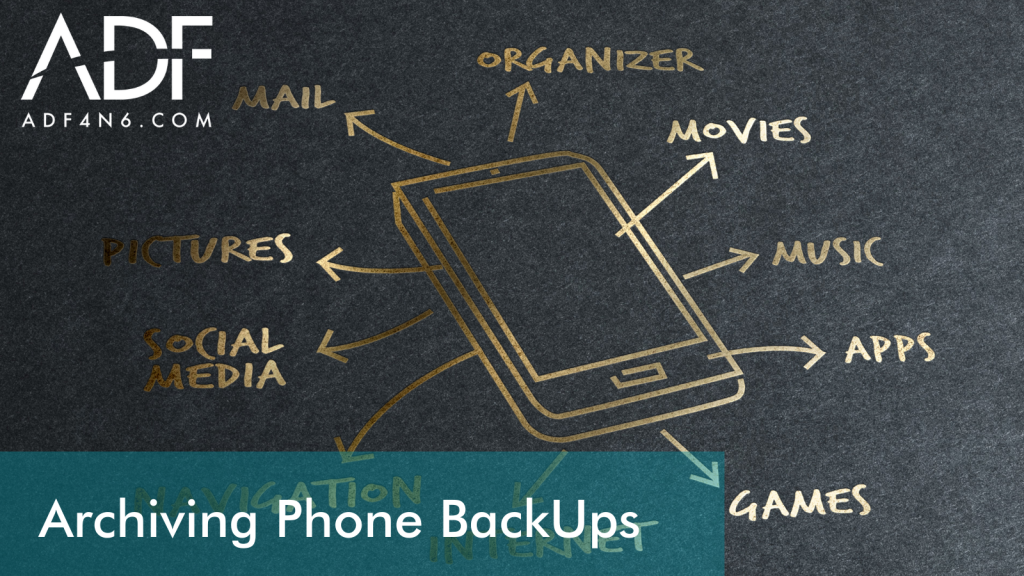
Archiving Phone Backups

With any of the ADF Mobile products, if you are using the default settings, the mobile backups are being saved to the local drive. The mobile backups can be quite large and quickly fill up your drive leaving you no storage space. Let’s take a look at how to archive your mobile backups with or...

News

ICAC Investigations with ADF Tools

Investigating crimes against children has been at the forefront of law enforcement’s initiatives to dedicate the specialized manpower and equipment in order to battle this issue. It is not an easy issue to tackle as it manifests in many different ways and sometimes requires three or more specialized units working together to bring the offenders...

News

Collect RAM on a Live Computer

When conducting digital forensic investigations that involve live (up and running) computers, it is imperative to collect volatile memory so that all your bases covered and so that no vital evidence is lost.  A live analysis conducted in the correct manner will yield the results you are looking for in your investigation.  It has become...

News

Find Anti-Forensic and Dark Web Traces with ADF Triage Software

Within ADF software and forensic triage products, including Digital Evidence Investigator, Triage-Investigator, or Triage-G2, an investigator can quickly find Dark Web traces. This can be done in Quick Profiles but in this video, Rich Frawley shows how to use an Intermediate Profile to triage a suspect machine to identify Dark Web traces. These can be...

News

How to Have a Digital Forensic Triage Process that Works Field to Lab

In this 3-minute “How To” video, you’ll learn the benefits of having a digital forensic triage process that works from field to lab. Using ADF digital forensic tools, examiners can prepare field investigators to find digital evidence and intelligence on mobile phones, tablets, computers, and storage devices starting on-scene.      Triage Digital Devices: From...

News

Remove an iTunes Password set in ADF Digital Forensics Tools

The Encrypt backup feature in iTunes locks and encodes your information. In this short How To video, Director of Training, Rich Frawley shows investigators how to remove the known iTunes backup password, if required. An encrypted iTunes backup is used in order to collect as much data as possible from an iOS device. Encrypted backups...

News

macOS Forensics: Live Scan Macs with T2 or M1 chips

Investigators can now scan all available Mac computers (including macs with T2 or M1 chips) with all types of encryption and virtual drives by running a remote agent that communicates with the desktop application. Now you can perform digital forensic triage on all Macs including macOS T2 chip macOS M1 chip Mac Fusion Drive There...

News

Digital Forensic Screenshots with OCR for Mobile Devices

ADF Solutions mobile phone forensic software makes it easier to quickly collect digital evidence from smartphones and tablets with the Digital Forensic screenshot feature in Mobile Device Investigator or ADF PRO tools.  Speed is critical in many investigations which is why ADF Screenshot capabilities are available from the Home Screen to enable investigators to quickly...

News

Dropbox Forensics for iOS Cloud Storage Capture

As an investigator you want to be prepared to quickly collect evidence on-scene. This means, when performing smartphone forensics, you need to have the best tools to capture the evidence you encounter during your triage, including cloud storage such as Dropbox for iOS.  In this short How To video, ADF’s Director of Training and forensic...

News

Regular Expressions that Speed Digital Investigations

Regular Expressions – (also known as “regex”) are special strings representing a pattern to be matched in a search operation and they can be particularly useful in mobile and computer forensics investigations.  One of the ways we allow investigators to find and focus on relevant evidence is by allowing investigators to customize and bring in...

News

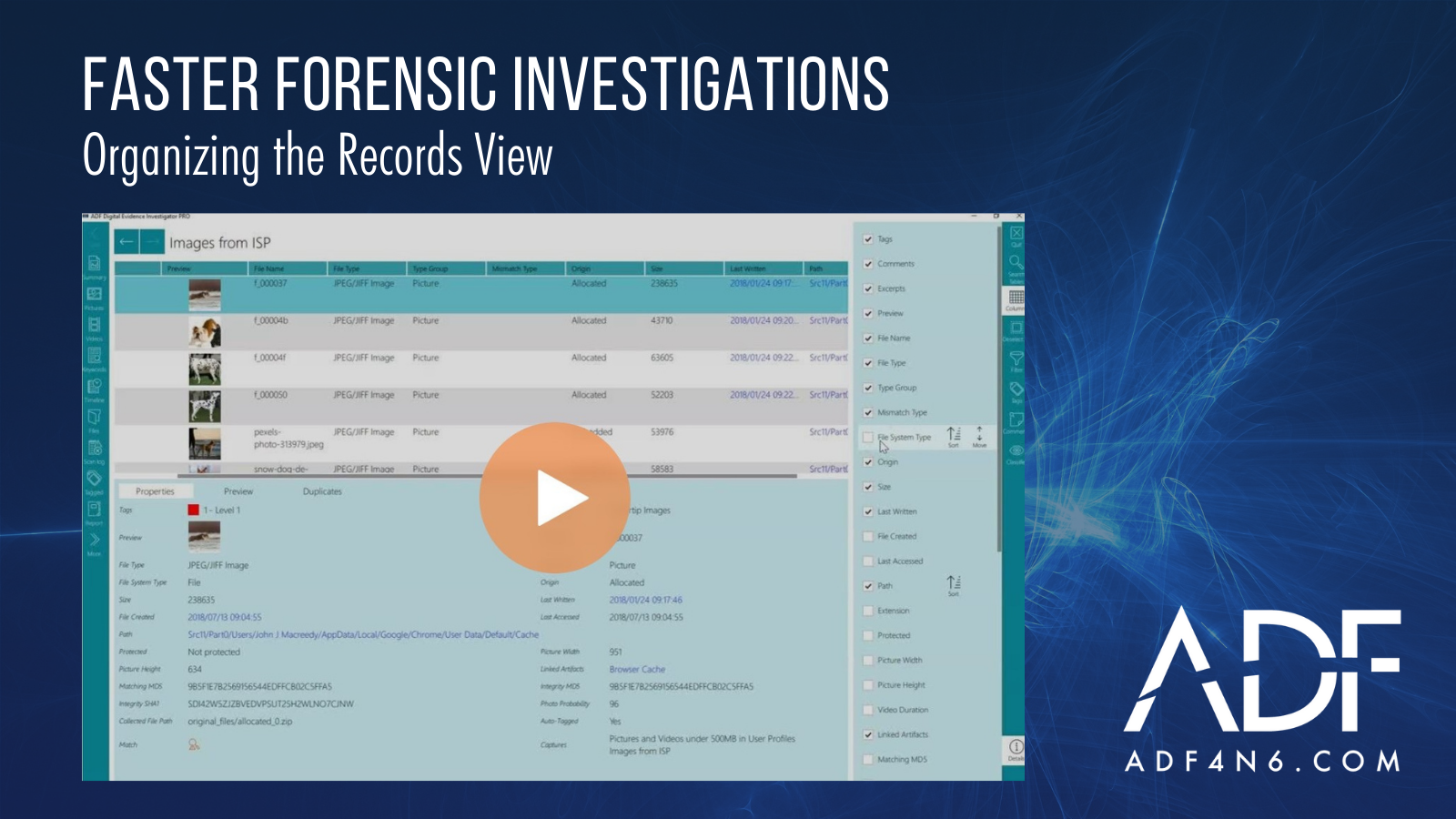
Organizing the Records View for Faster Forensic Investigations (UPDATED IN 2022)

ADF digital forensic software is known for rapid file and artifact collection but we’re also widely respected for our seamless user interface. No matter whether you are using Mobile Device Investigator, Triage-Investigator, Triage-G2, Digital Evidence Investigator or our PRO tools, ADF tools are designed to make it easy for investigators to quickly determine what to...

News

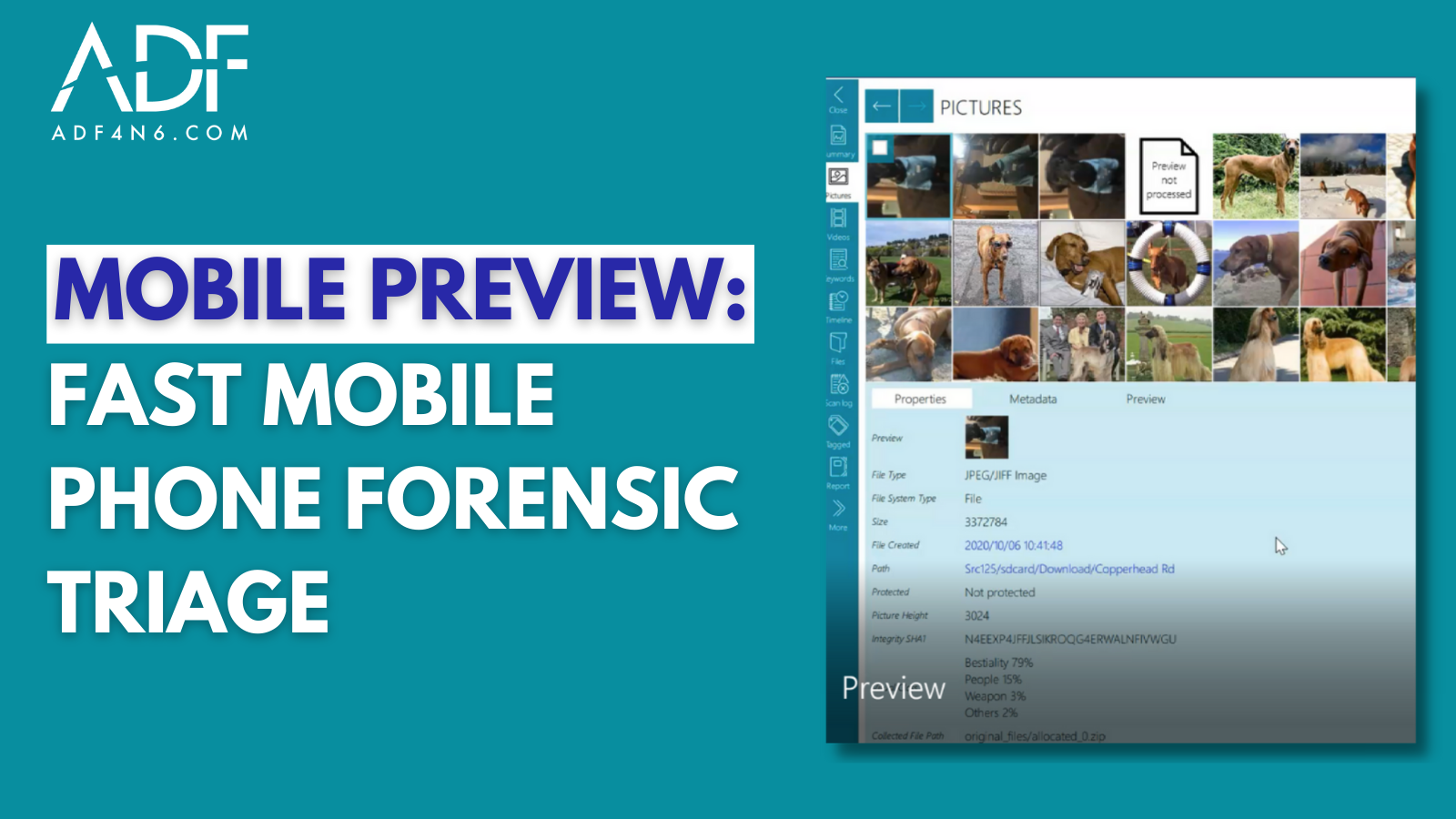
Mobile Preview: Fast Mobile Phone Forensic Triage

Speeding your investigations has always been a primary focus for ADF Solutions and with the launch of ADF Mobile Preview capabilities, you can start looking at phone content immediately without waiting for a backup or imaging to finish.  Preview is available in Mobile Device Investigator, the MDI Field Tablet, the DEI PRO Field Tablet, and...

News

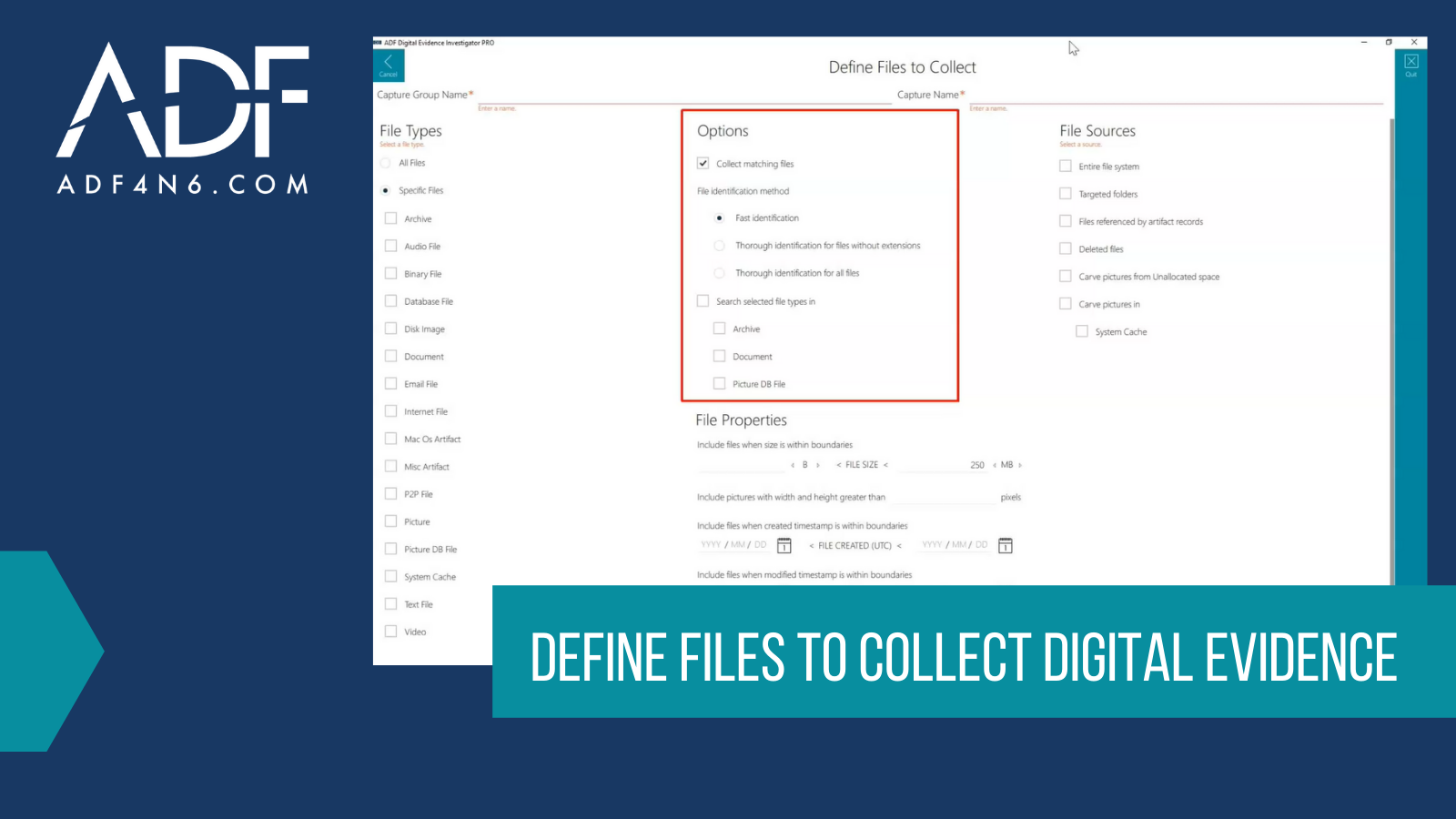
Define Files to Collect Digital Evidence (Updated in 2022)

When collecting digital evidence, speed is often the name of the game, such as when you are serving a search warrant, dealing with a mass casualty incident, working a consent search, or trying to ascertain where to focus your efforts when dealing with multiple devices. When dealing with these types of use cases, one-dimensional or...

News

Prepare Evidence Collection Keys for Investigation (Updated in 2022)

Getting ready to work off site, out of the lab, out of your office, and in someone else’s domain is never an easy task. Whether it’s a search warrant, in a client’s office, suspect’s residence, or some other off-site location, being prepared is the key to your success as a digital forensic investigator. 2 Collection...

News

Using Stealth Mode: Counterterrorism Operations

Intelligence gathering is a discipline that’s on a different playing field than your typical law enforcement search warrant or forensic triage examination. ADF’s Triage-G2 and Triage-G2 PRO enable military field operatives to rapidly collect and exploit captured equipment, media and documents in theaters of operation around the world and reduce time on target for: Counterterrorism...

News

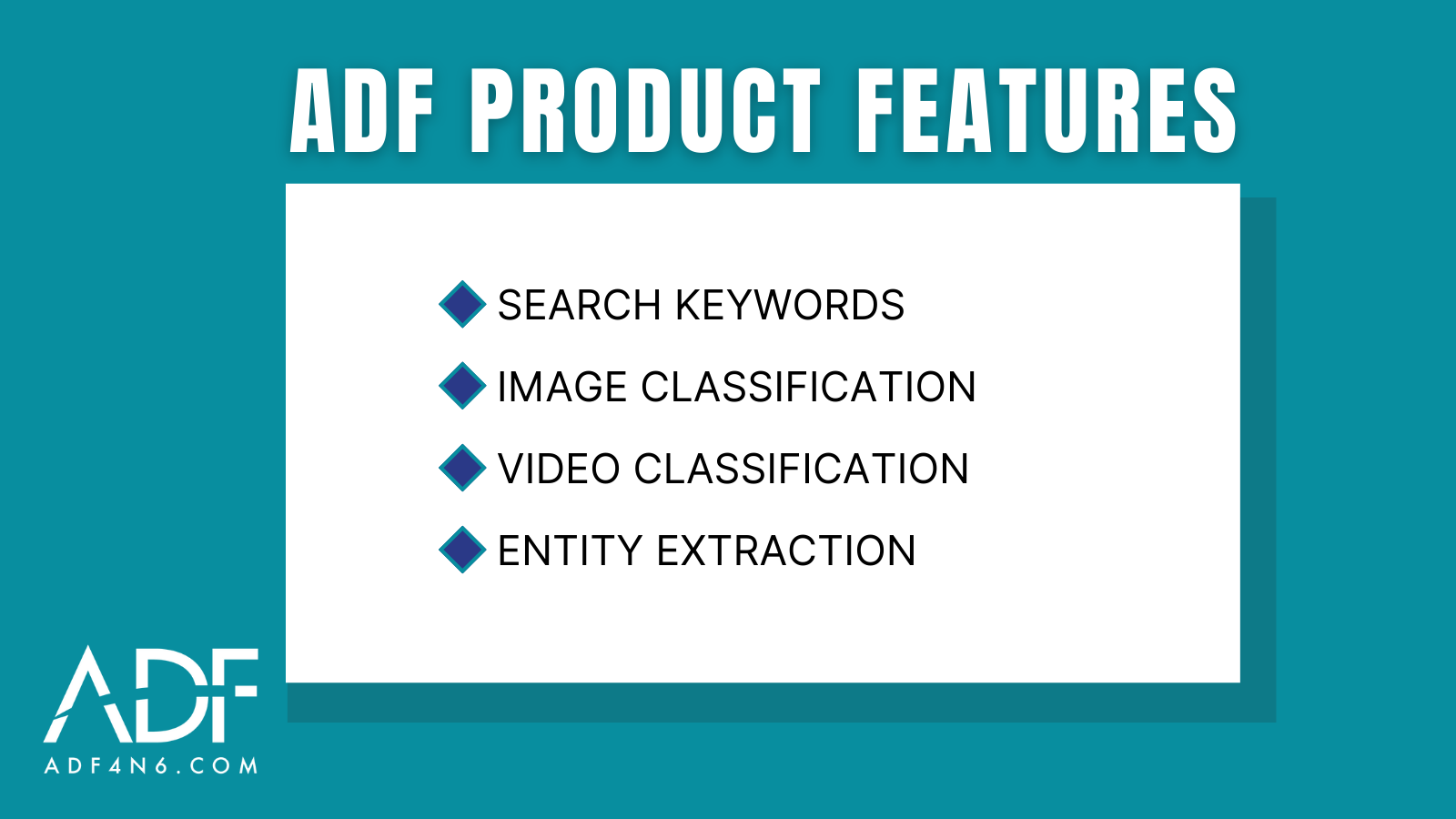
Entity Extraction, Keywords and Classification of Images and Videos (UPDATED JULY 2022)

ADF prioritizes digital evidence collection and provides investigators and examiners post-scan options to speed investigations. Post scan options let digital forensic investigators get fast and relevant evidence to make decisions on-scene and in the forensic lab. ADF products also have several features to assist you after your forensic scan is complete. These features include: Search...

News

How to Prepare Multiple Evidence Collection Keys (UPDATED August 2022)

Are you ready for a big one? Anticipating what your evidence collection needs will be while you are on-scene includes trying to ascertain how many electronic devices you will encounter. ADF makes it easy for you to be prepared.  Preparing multiple digital evidence collection keys to include in your investigator “go-bag” will ensure you’re ready...

News

How to Prepare a Digital Evidence Collection Key (CKY) (UPDATED August 2022)

Anyone who is charged with a “knock and talk” or executing a search warrant knows that the ability to overcome and adapt on-scene is vital to a successful outcome. This is what drove ADF to empower investigators to be able to create a digital evidence Collect ion Key (CKY).  Armed with a properly configured Collection...

News

How to Prepare a Sanitized CSAM Report (UPDATED August 2022)

Learn how to easily remove CSAM images and other properties from view One of the most important factors in a child exploitation investigation, is having the ability to show a report to a colleague, co-worker, prosecutor, or present to present your findings in court without re-victimizing the subject of the photo, or shocking the sense...

News

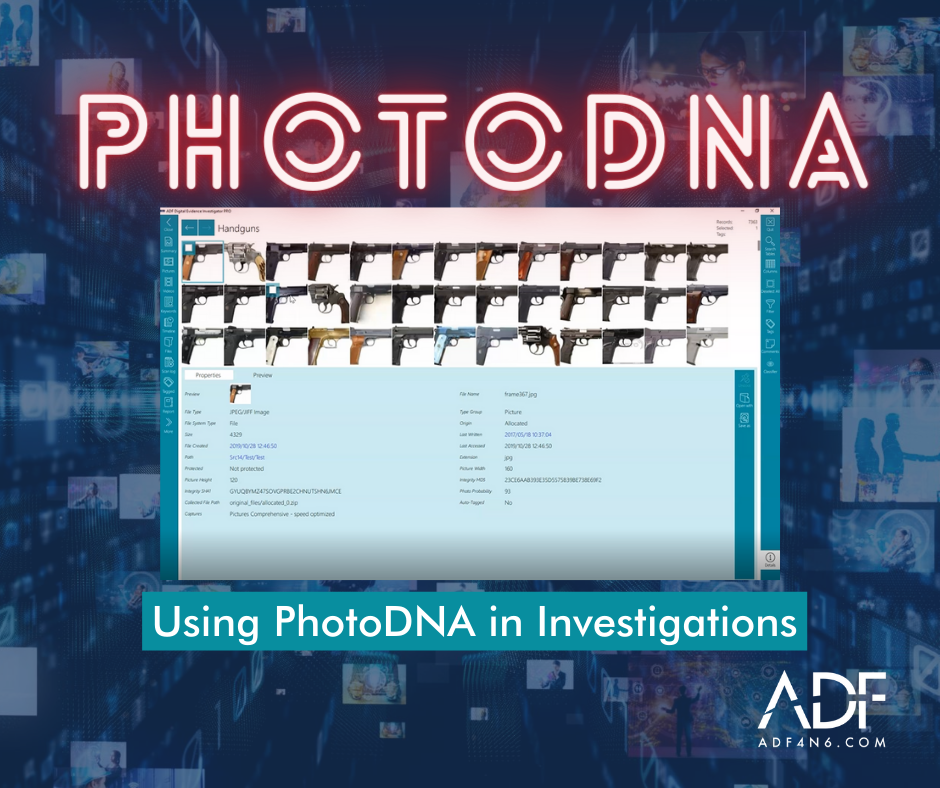
Using PhotoDNA in Digital Forensics Investigations (Updated in 2022)

Digital Forensic Investigators and Examiners need to be able to find evidence quickly and one of the ways that ADF provides this capability is using PhotDNA.  ADF digital forensic software uses a variety of methods to locate and identify images. In the case of CSAM (Child Sexual Abuse Material) or CEM (Child Exploitation Material) allowing...

News

Best Mobile Device Investigator Settings for Evidence Collection

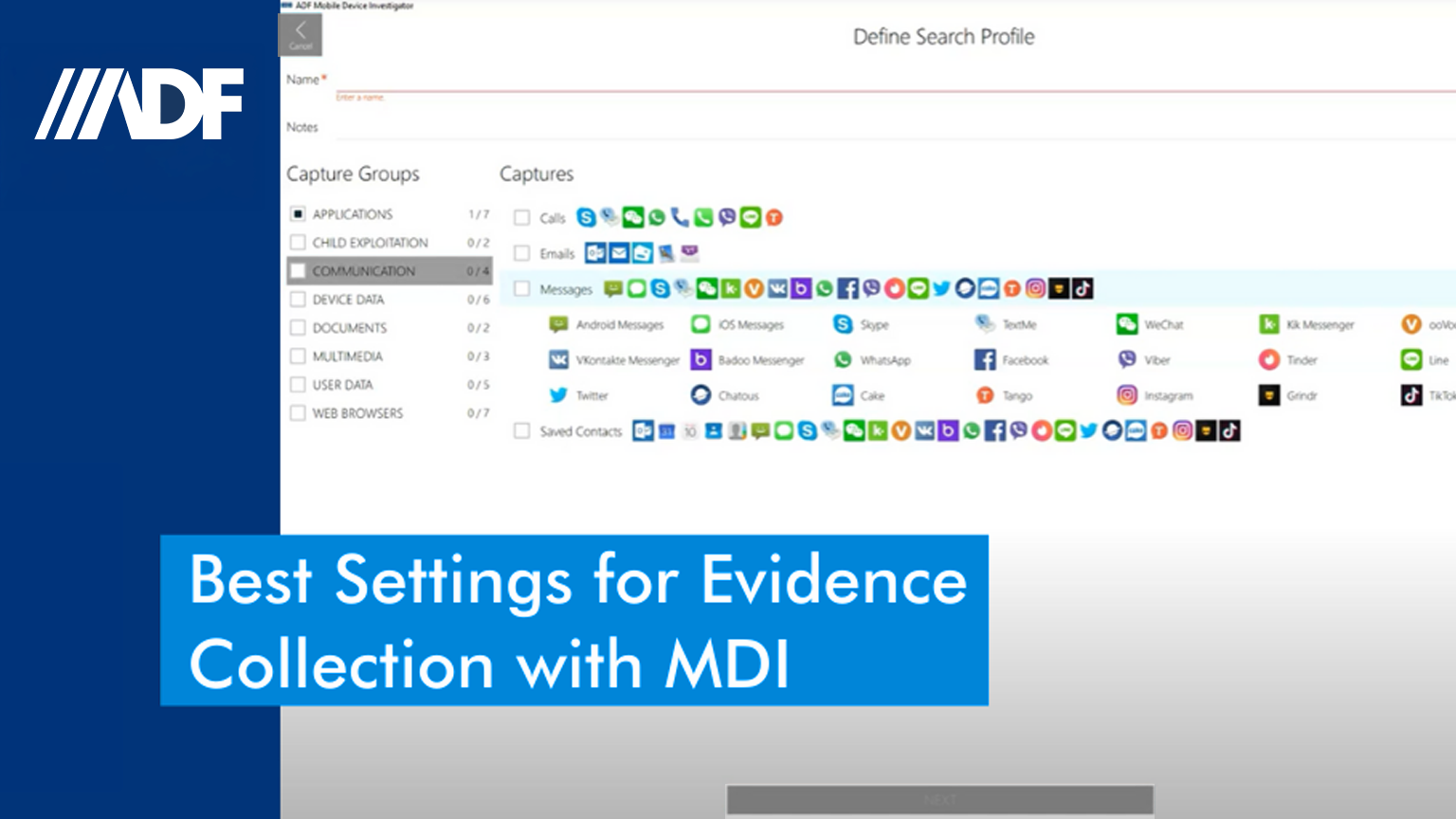
In this short digital forensic How To video, Digital Forensic Specialist, Rich Frawley, walks you through the best settings for Mobile Device Investigator®.  Learn how to choose the best Search Profile Capture selection and how to decipher which captures will get you the information you need for your investigation with our mobile phone forensic software. ...

News

Using Digital Forensic Screen Capture on Mobile Devices

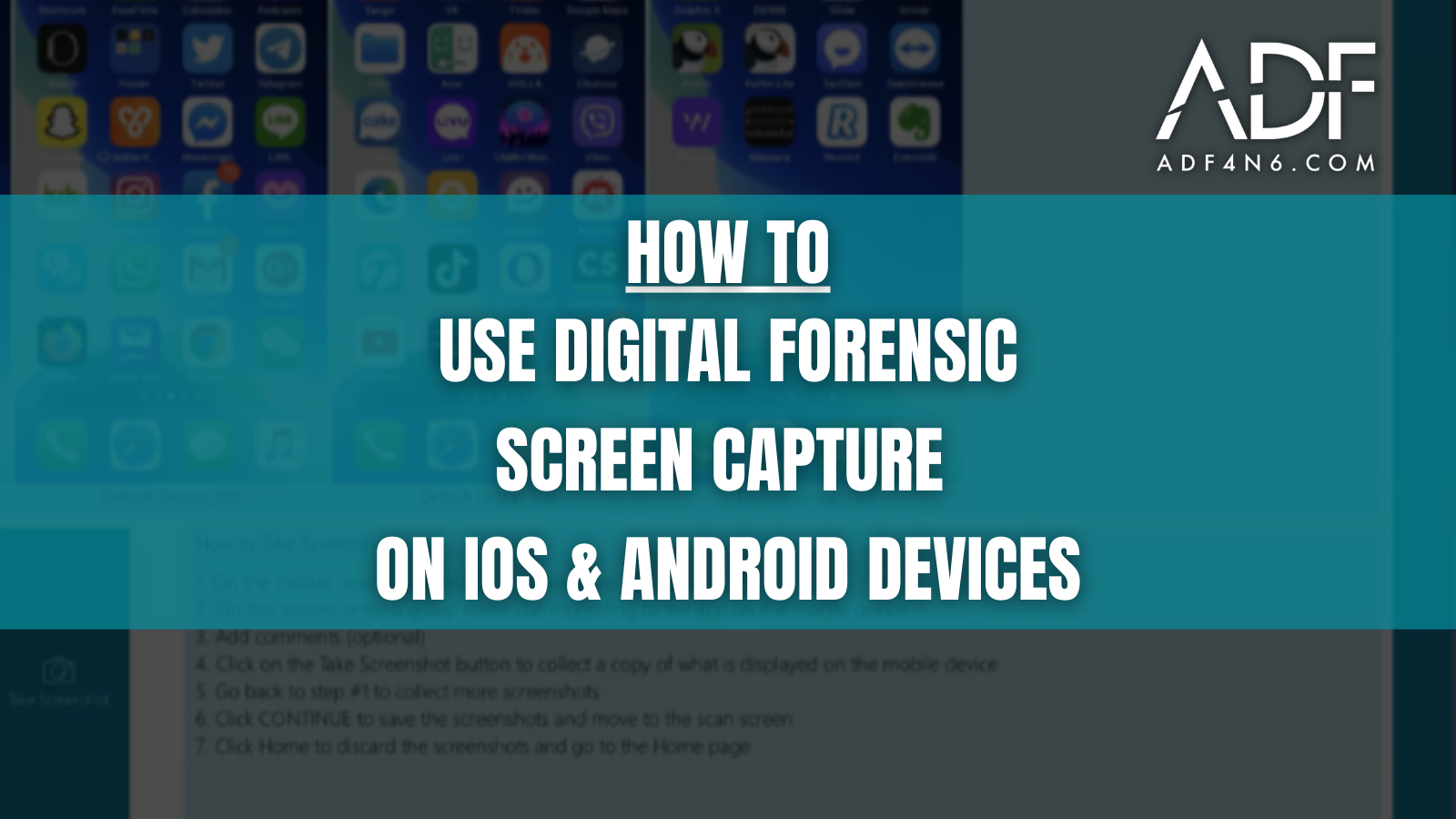
The ADF digital forensic screenshots feature enables frontline investigators to capture screenshots from any connected iOS or Android mobile device. This feature is useful for investigators who need to capture data that may not be included in a backup or to capture how a particular mobile app or screen appears to the user. Screenshot text...

News

Collect Web Credentials: Quick Saved Credentials Search Profile

Learn how to use the ADF Quick Saved Credentials Profile to uncover Web credentials in this short video tutorial. Collecting saved credentials quickly gives investigators access to accounts that may have previously been unknown and allows investigators to request preservation orders and search warrants.   ADF’s Quick – Saved Credentials profile is a powerful digital forensic...

News

Fighting In-House Backlog with Triage

It’s a known issue that many agencies and departments are facing worldwide; how to fight and reduce backlog to stay up to date on cases so that they don’t get stale. It’s a serious issue, but we at ADF can show you a few ways to fight in-house forensic backlog with digital forensic triage. One...

News

The Power of ADF Computer Triage

ADF computer triage has long been admired for some of the best digital forensic triage capabilities on the market. Since 2006, ADF digital forensic experts have been building triage tools to empower investigators to quickly collect evidence and on-scene intelligence from computers and digital devices. Over the years, ADF continued to invest in triage without...

News

Backing Up and Scanning iOS Devices

In this how-to video, we will cover backing up and scanning encrypted iOS devices. This skill is important to know because encrypted iOS backups return more data than unencrypted backups.   Before initiating the scan or backup process for your iOS device, it’s important to ensure that you are following the instructions correctly. Whether or...

News

How To Add Keywords On Scene

Looking to add key words on-scene? ADF has you covered. In this how-to video, investigators and analysts will learn how to add keywords directly from the Collection Key. As a digital evidence investigator, ADF provides the ability to create a collection key with or without Search Profiles and add keywords just before the start of...

News

Creating a Collection Key without Search Profiles

Our digital forensic specialist knows that as someone who used to go out and execute search warrants and conduct knock and talks, the ability to overcome and adapt on-scene is vital to a successful outcome. In this how-to video, Rich explains how to create a Collection Key without Search Profiles and how to add keywords...

News

Explaining the Settings Page

This blog post will feature our Settings page, and tips and tricks to understanding it. The first thing users will notice on the settings page is the Backed-Up Licenses. This displays all licenses that have been backed up on this computer. When selecting a license it will display all the information pertaining to that license...

News

How-To Image on a Boot and Live Scan

Our newest How-To video will cover how to image from either the Desktop tool or the USB device (Collection Key) on a Boot and Live Scan.  On the Desktop Version of our tool you can get to imaging two ways; immediately after a scan stops or is stopped, and from Image Attached Devices on the...

News

How ADF Tools Identify Files

When using ADF tools to collect files, either by File Properties, Hashes, or Keywords, ADF tools provide  three methods for file identification: Fast Identification Thorough identification for files without extensions Thorough identification for all files When creating your own File Capture it is important to know what each option will work for you.  Fast Identification...

News

How to Scan Multiple Devices

With ADF digital forensic software tools, it’s possible to scan multiple devices simultaneously and have them as part of one scan. However, there are some items we need to keep in mind when preparing to scan multiple devices. First, are the devices similar or are we combining computer with mobile? If we’re combining computer and...

News

Archiving with the Standalone Viewer

Once you have completed your investigation and need to archive your case, the most efficient method is to use the Stand Alone Viewer, which can be found within the reporting module. This viewer provides an all-in-one solution that includes a self-contained folder with a standalone application that gives you the ability to view the results....

News

Transferring Data With the ADF Migration Tool

Software updates are something we look forward to, and when we receive that new download from our go-to tool, it makes the day even more special.  When it comes time to upgrade or re-install ADF software, as a user, you do not want your data to be lost after either the software upgrade or when...

News

How to Create Search Profiles with Mobile Device Investigator

Mobile Device Investigator (MDI) is the leading digital forensic triage tool for iOS and Android devices. In this short “How To” video, ADF’s digital forensic specialist and trainer, Rich Frawley, will show you how to create a Search Profile with MDI.  In this smartphone forensic example, you’ll learn how to create a Search profile that...

News

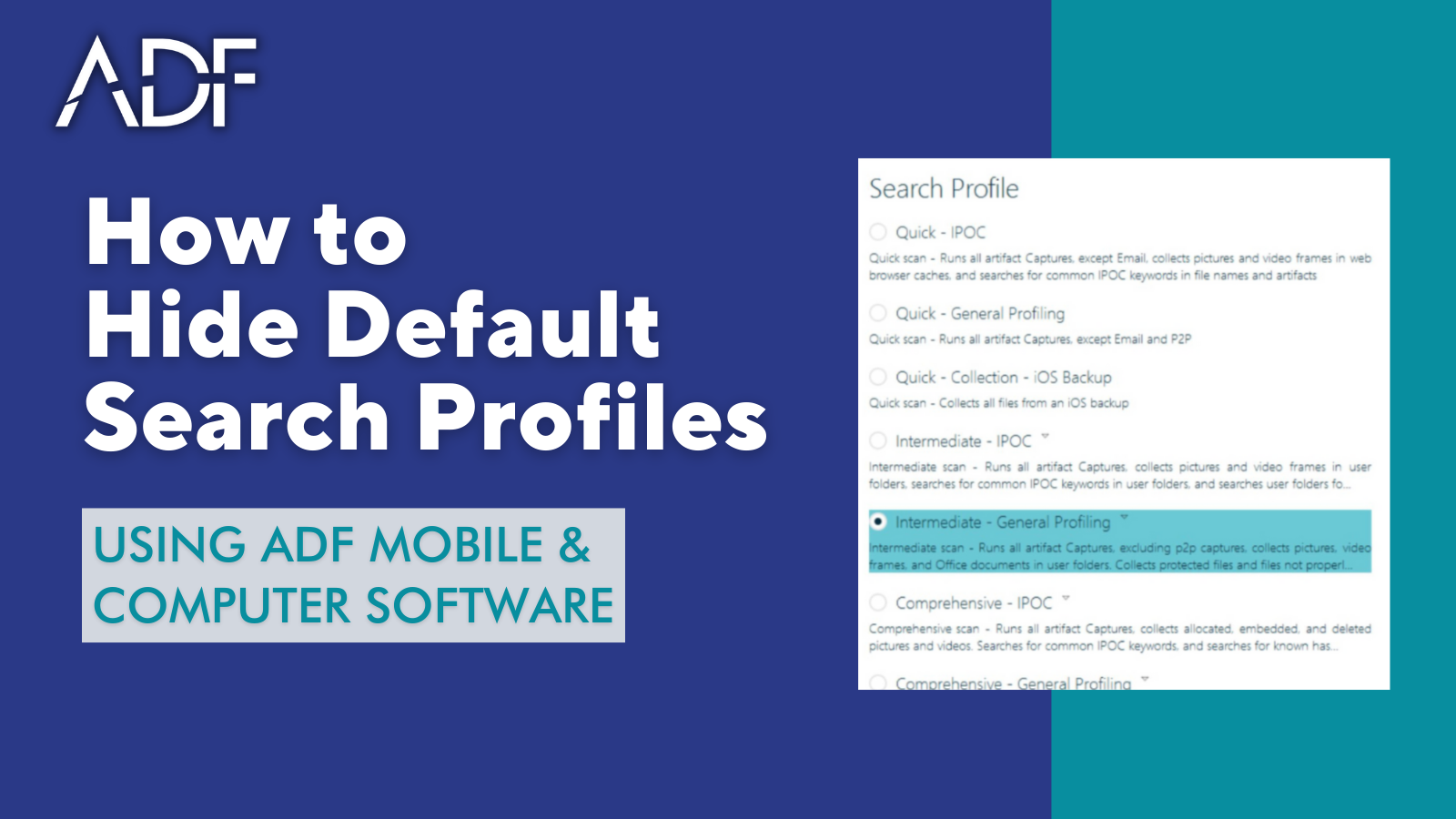
How to Hide Default Search Profiles in ADF Digital Forensic Software

ADF digital forensic software comes with approximately a dozen out-of-the-box default search profiles designed to make it quick and easy for non-technical field investigators to quickly search for digital evidence.  In this short “How To” video, ADF’s Digital Forensic Specialist, Rich Frawley shows you how you can hide default search profiles from view. Examiners or...

News

Import and Export Digital Forensic Search Profiles

In this short How To video, you’ll learn how to import and export an ADF digital forensic Search Profile. This allows investigators to create a Custom Search Profile on one computer and export it so that it is available to be imported into another installation on another computer so forensic examiners or senior investigators can...

News

Collect and Share Digital Evidence Files with Prosecutors

In this short How To video, digital forensic specialist Rich Frawley, will show you how to collect and share digital evidence files with prosecutors and third parties using ADF Software. This video is ideal for learning how to share evidence with prosecutors for review.  If you are tasked with the collecting specific files or collecting...

News

How to Install Digital Evidence Investigator and DEI PRO Offline

Digital Evidence Investigator is built for front-line field investigators and lab examiners who need to do digital forensic investigations on Mac, Linux, or Windows. Combined with Mobile Device Investigator, Digital Evidence Investigator PRO gives you all the best computer forensic capabilities along with iOS and Android mobile forensics in a single affordable forensic tool.  In...

News

How to Install Digital Evidence Investigator and DEI PRO Online

Digital Evidence Investigator is built for front-line field investigators and lab examiners who need to do digital forensic investigations on Mac, Linux, or Windows. Combined with Mobile Device Investigator, Digital Evidence Investigator PRO gives you all the best computer forensic capabilities along with iOS and Android mobile forensics in a single affordable forensic tool.  In...

News

Investigate: Files Referenced by Artifact Records

Fast investigations require rapid access to evidence. ADF software enables investigators to quickly view the links of artifacts captured from a target device so you can easily understand a user’s activities.  In this short 2-minute video, Digital Forensic Specialist, Rich Frawley explains Referenced File Capture and Linked Artifacts with Digital Evidence Investigator which gives you...

News

Learn How To Filter Digital Forensic Scan Results in ADF Software

In this short 5 minute video, you’ll learn how to filter digital forensic scan results in ADF software. Filtering is available in any table while analyzing any of your scan results. In this how-to video, we’ll look at: Browsing History Pictures and Video Photo Probability Visual Class ADF software is built for front-line field investigators and...

News

Create an iOS Forensic Backup with DEI PRO

Digital Evidence Investigator PRO enables front-line field investigators to quickly create an iOS forensic backup of an iOS mobile device on-scene or back in the lab. In this short video, ADF Digital Forensic Training Manager, Rich Frawley, will show you how to easily backup an iOS device with DEI PRO. iOS Target Device Once you...

News

Rosoka Add-on Powerful Text Analytics

In this short How To video we are going to explore the Text Analytics capabilities built into ADF’s digital forensic software with the integration of Rosoka. ADF is bringing the power of Rosoka for automated entity extraction and language identification with gisting, through a tightly integrated user experience in the Rosoka Add-on.  The Rosoka Add-on...

News

Learn to Create an Android Forensic Backup with DEI PRO

Digital Evidence Investigator PRO enables front line field investigators to quickly create a forensic backup of an Android device on-scene or back in the lab. In this short video, ADF Digital Forensic Specialist, Rich Frawley, will show you how to easily backup an Android device with DEI PRO. Once you have your Android target device ready...

News

How to Create a Forensic Backup of an Android Device with MDI

Learn how to create a forensic backup of an Android smartphone or tablet with Mobile Device Investigator™ in this short How To video from ADF’s Digital Forensic Specialist, Rich Frawley. With the easy-to-use MDI, you can now quickly and easily collect evidence from Android and iOS phones and tablets. The Mobile Device Investigator® software tool is...

News

How to Create a Forensic Backup of an iOS Device with MDI

Learn how to create a forensic backup of an iOS smartphone or tablet with Mobile Device Investigator™ in this short How To video from ADF’s Digital Forensic Specialist, Rich Frawley. With the easy-to-use MDI, you can now quickly and easily collect evidence from iOS and Android phones and tablets.  The Mobile Device Investigator mobile phone forensic software...

News

Digital Forensic Image Recognition and Classification

Front line investigators and digital forensic examiners are encountering an ever increasing number of images in almost every investigation they perform. This exponential growth in the volume of images can challenge investigators searching for illicit online activity, Child Sexual Abuse Material (CSAM), extremist propaganda, or other types of image content.  In this short video, ADF...

News

Creating a Search Profile in DEI PRO

ADF digital forensic tools come with out-of-the-box Search Profiles. In this short video, you’ll learn how to use Digital Evidence Investigator PRO to demonstrate how to create a search profile. ADF Search Profiles are maintained in the Set Up Scans Menu option. The Search Profile, when run, will collect the information selected within the Search Profile....

News

How to Scan a non OS Drive or Partition

When making decisions on scene it is critically important for an investigator to scan and analyze the Operating System Drive or Partition, or what is commonly referred to as the C: drive. ADF digital forensic software tools give investigators out-of-the-box Search Profiles designed to quickly scan and analyze OS partitions with targeted paths that would...

News

Scan iOS Devices with Mobile Device Investigator

Learn how to quickly scan iOS devices, smartphones or tablets, in this 2 minute short “How To” video created by Rich Frawley, our Director of Digital Forensic Training. Rich will walk you through how to attach and scan an iOS device with Mobile Device Investigator® (MDI) using an iPhone. With the easy-to-use Mobile Device Investigator®,...

News

How to Start an Android Forensic Scan with MDI

As you get started performing an advanced logical forensic acquisition of an Android device with Mobile Device Investigator®, you will want to learn how to attach an Android device to your forensic computer. This short video will show you how you can quickly and easily collect digital evidence from Android mobile phones and tablets.    Mobile...

News

Collecting Files by Targeted Folders to Speed a Forensic Investigation

Digital Evidence Investigator® gives investigators the ability to customize Search Profiles and determine exactly what and where you want to look for digital evidence. This is especially convenient when looking to tailor a search for a forensic triage type scan or a targeted collection. This is accomplished by using the Targeted Folders Option when creating a custom file...

News

Introducing Mobile Device Investigator

Mobile Device Investigator® is a powerful and innovative digital forensic software tool designed specifically for advanced logical iOS and Android mobile device investigations. With MDI, investigators can easily scan and create backups of mobile devices, allowing for quick and thorough analysis of data relevant to their cases. This cutting-edge software empowers front-line investigators with the ability...

News

How to Add a Custom File Type to an ADF Search Profile

When conducting an investigation, it is important to be flexible and follow the direction of your investigation with as few obstacles as possible. If your examination brings you a new file type, such as a video generated by a hand held camera, or a proprietary file created by a unique software, you want to be...

News

Adding Project Vic Hashes to a Search Profile

When investigating crimes against children cases, Project Vic data sets and Digital Evidence Investigator® (DEI) go hand in hand. DEI and ADF’s other forensic triage and investigation tools give investigators and examiners the ability to categorize image and video media fast — which is paramount in the fight against child exploitation. Whether you are an...

News

Learn How to Boot Scan a Microsoft Surface Pro

As a forensic investigator, there will come a time when you will come across the occasional computer that is difficult to get to the HDD and it may be encrypted by default, such as the Microsoft Surface Pro. In this short video, you’ll learn how to easily conduct a boot scan of a Microsoft Surface Pro with Bitlocker...

News

How to Create a Keyword Capture

Whether you are preparing to go on-scene or you are in your digital forensic lab getting ready to perform triage or one or more digital forensic scans, this video tutorial will show you how you can easily create a keyword capture and add keywords to a Search Profile.  We begin from when you have started...

News

What is a Search Profile?

ADF digital forensic software including Digital Evidence Investigator® (DEI) and Triage-Investigator® come with out-of-the-box default Search Profiles. In this short video tutorial, we use Digital Evidence Investigator to demonstrate “What is a Search Profile?“. In DEI the Search Profiles are maintained in the Setup Scans Menu option. The Search Profile, when run, will collect the information selected within the Search...

News

How to Conduct a Live Forensic Scan of a Windows Computer

Learn how to conduct a Windows live scan with ADF Solutions Digital Evidence Investigator.  Two USB ports are required to complete a scan, one for the Collection Key and one for the Authentication Key, once the scan has started the Authentication Key can be removed. A USB hub may be used in cases where the...