How to Perform Targeted Mobile Extraction in ADF Pro
Law enforcement faces significant Fourth Amendment constraints when searching data on mobile devices, primarily due to the vast amounts of highly personal information these devices hold. Courts require warrants to be supported by probable cause with specificity in describing the places to be searched and things to be seized. This limits “fishing expeditions” into entire device contents. Warrants lately have become limited in scope and restrictive when it comes to mobile devices.
In consensual situations—such as when victims, witnesses, or other individuals voluntarily hand over or allow access to their mobile devices—it is typically with reluctance. Consent provides an exception to the warrant requirement, but it must be voluntary, and the scope of the search is generally limited to what a reasonable person would understand the consent to cover.
There is then the issue that the acquisition of the device exceeded the scope of the warrant. This practice leaves the specificity to be completed at analysis with sorting, filtering, tagging and presenting only the data that was relevant or within the scope of the warrant. The problem now exists with the vast amount of data from the device available for discovery.
When put into a situation such as this, investigators and practitioners fall back on the manual method of extracting data. The methods employed at this point are screen shots (on the device itself), photographs with another device, emailing, texting, and airplay with the target device, all methods that are less than acceptable.
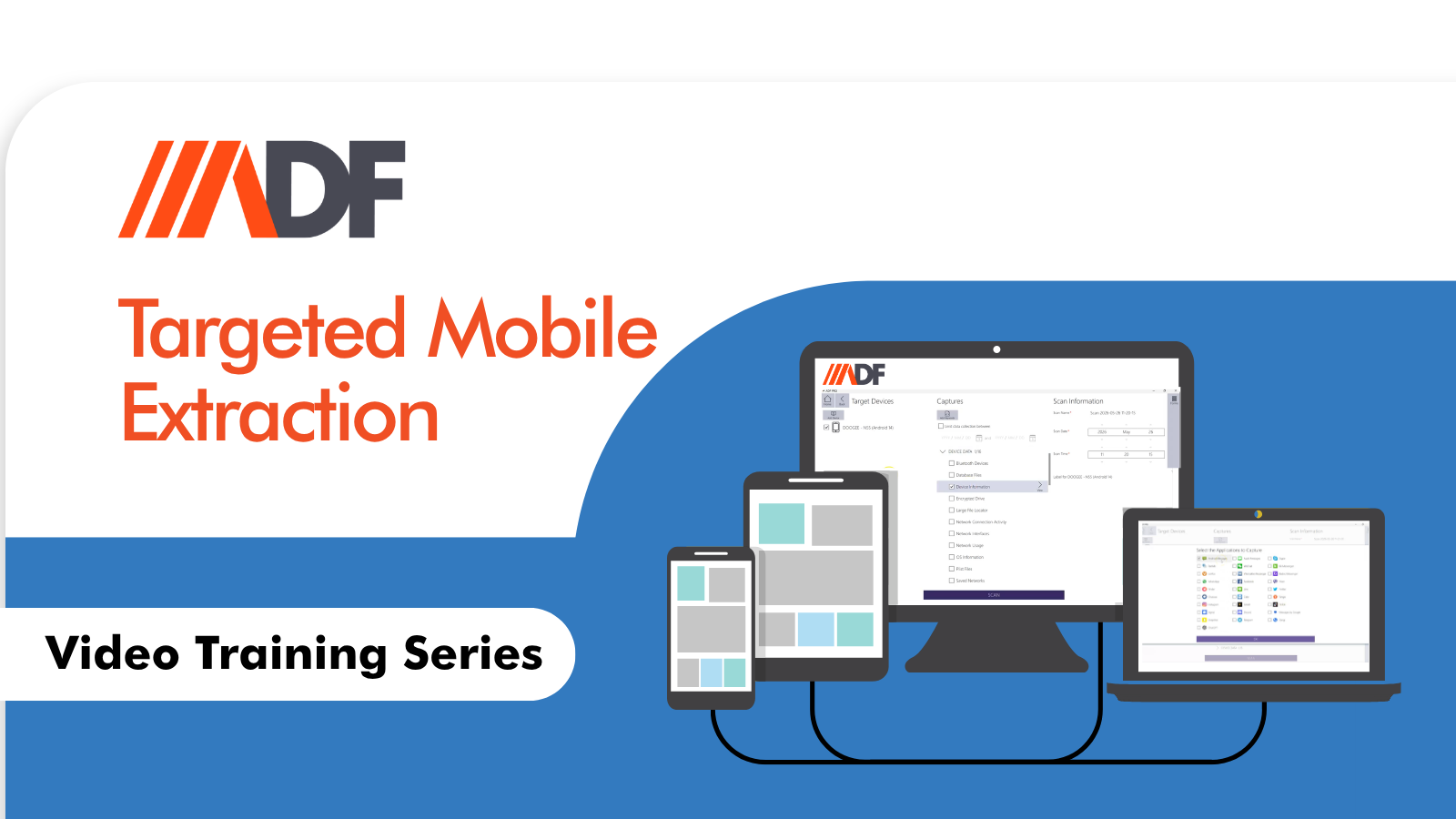
Enter into the picture Targeted Mobile Extraction and Collect Files, two features in ADF PRO and Mobile Device Investigator that work hand in hand to prevent the manual method of acquisition. You now have the ability to select the specific artifact(s) you are limited to prior to acquisition and at the end of the limited extraction process you only have the specific data you requested, ready to be analyzed, sorted, filtered and reported on.
Watch the video to learn more: