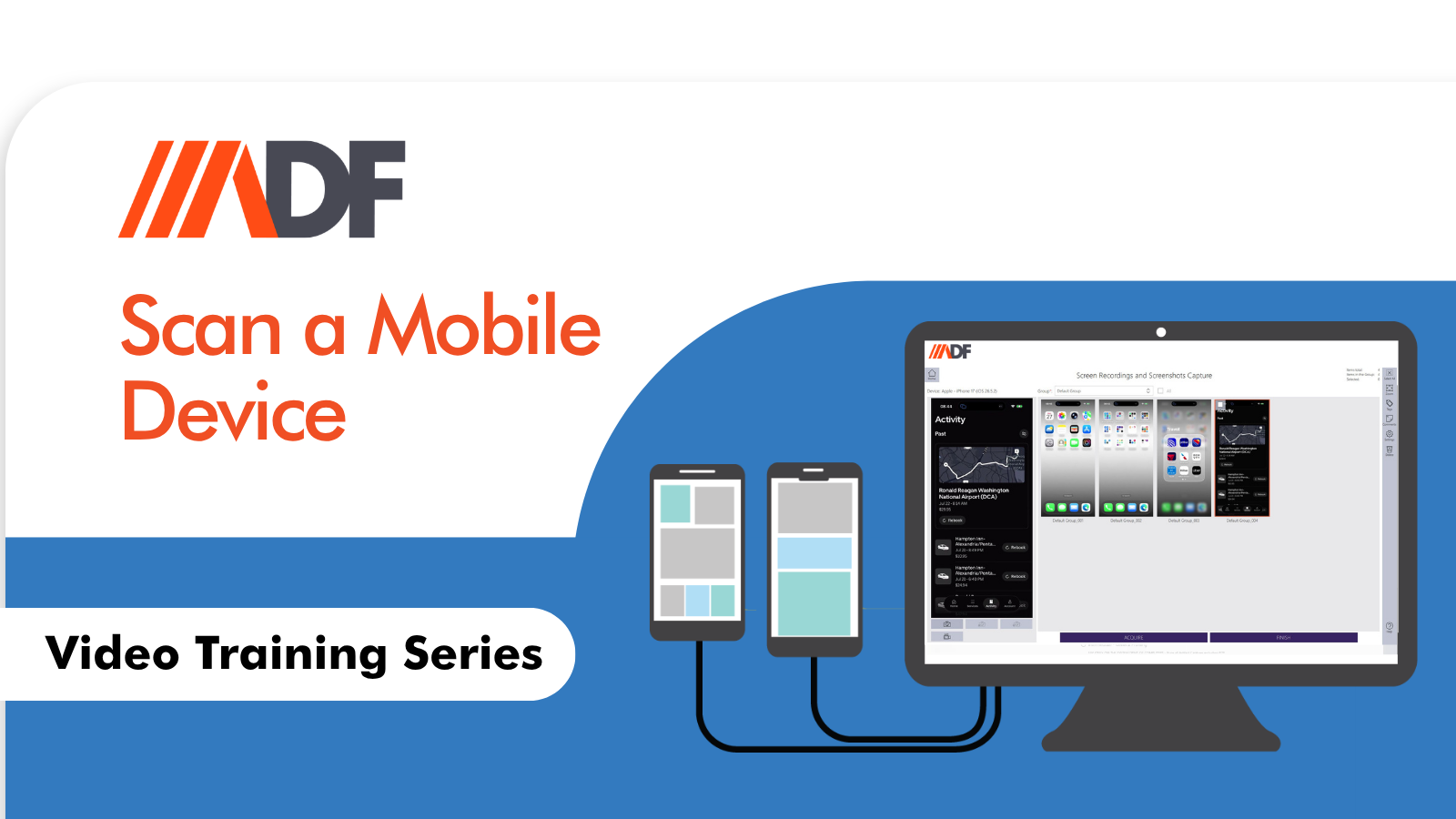
How to Scan a Mobile Device in ADF Pro and MDI
When investigators think of Mobile Device Investigator (MDI), the first word that often comes to mind is “speed.” It is the gold standard for on-scene triage—helping frontline officers and forensic examiners quickly engage with victims and witnesses, manage consensual encounters, and secure evidence before it walks away.
However, viewing MDI purely as a “speed-only” tool undersells its capabilities. While it is designed to help you make immediate decisions in the field, MDI is also engineered to handle the heavy lifting when your investigation moves from the field to the lab.
We know the workflow: you are on-scene, time is of the essence, and you need to perform an initial assessment. But what happens when the situation allows for more time?
MDI scales with your needs. When you have the time to perform a deeper analysis, MDI is fully capable of comprehensively scanning and parsing your mobile devices. Whether you are conducting an Advanced Logical acquisition or analyzing a Full File System (FFS) acquisition, MDI provides the same intuitive interface you use for triage to perform granular, forensic-grade analysis.
By leveraging MDI’s powerful parsing engine, you can dig deeper into application data, recover artifacts, and conduct the thorough analysis required for a solid, court-ready report.
One of the core strengths of MDI is its ability to centralize your workflow. You don’t need to juggle multiple disparate tools to handle different acquisition formats.
- Logical Acquisitions: MDI creates and parses these efficiently for quick results.
- FFS and Physical Acquisitions: If you have acquired data using other forensic tools, you can ingest those FFS or physical acquisitions directly into MDI. This allows you to utilize MDI’s powerful search profiles, automated classification, and visual timeline analysis on data acquired through other means.
Modern mobile investigations rarely involve just the phone itself. Often, your investigation will encounter external storage devices—such as SD cards, USB drives, or external backups—that are inextricably linked to the evidence on the mobile device.
MDI can be utilized to scan and manage these external devices as a seamless part of your mobile investigation. By handling these devices within the same environment, you maintain a cohesive investigative thread, ensuring that files and artifacts from external media are correctly linked to the mobile evidence. This integrated approach ensures you aren’t missing the “full picture” of the suspect or victim’s digital life.
MDI is designed to be your strongest ally, whether you are:
- On-Scene: Making rapid, informed decisions based on instant preview and triage.
- In the Lab: Performing a deep, comprehensive parse of logical or FFS acquisitions.
- Investigating: Incorporating external media and forensic images into a single, unified case file.
Don’t limit your toolkit. Use the speed you need for the field and the depth you require for the lab—all within one interface.
Watch the video to learn more: