How to Collect Specific Files in ADF Pro and MDI
In the critical early stages of an investigation, speed is everything. Often, a single photo or video from a cooperative witness is all you need to identify a suspect or piece together a timeline. But when time is tight and resources are limited, many investigators fall into the trap of “manual acquisition”—asking witnesses to email files or, worse, taking a photo of a phone screen with their own device. These shortcuts don’t just compromise the chain of custody by involving personal devices; they also risk losing a witness who is willing to share a file but hesitant to hand over their entire digital life for a full forensic imaging.
So what is an investigator to do in these situations? MTP (Media Transfer Protocol) is a standard way devices expose their storage to a computer over USB, primarily for transferring photos, videos, documents, and other user files. As a detective or investigator, collecting files via MTP provides a quick, relatively non-invasive logical acquisition method in specific scenarios.
One of the primary advantages of MTP is the ability to access media and user files without requiring a full device unlock or advanced privileges. It allows investigators to browse and copy the device’s shared storage. This provides immediate access to critical user-generated content such as photos, videos, documents, and messaging app backups.
MTP serves as a vital triage tool, especially when more comprehensive forensic methods fail. When dealing with locked or encrypted devices where full physical or file system extraction is blocked, MTP often remains a viable path for yielding evidence. It is particularly effective in time-sensitive cases, such as those involving immediate threats or solicitation, and provides a reliable fallback for unsupported devices that lack specific profiles in commercial forensic tools.
Finally, MTP is highly effective for targeted evidence collection in cooperative or civil contexts. It allows for the recovery of specific incriminating folders and documents without the need for more intrusive measures like accessing deleted data or performing a full filesystem acquisition. In many jurisdictions, this targeted logical pull is sufficient to satisfy evidentiary requirements, making it an efficient choice for streamlining investigations without overstepping legal or technical boundaries.
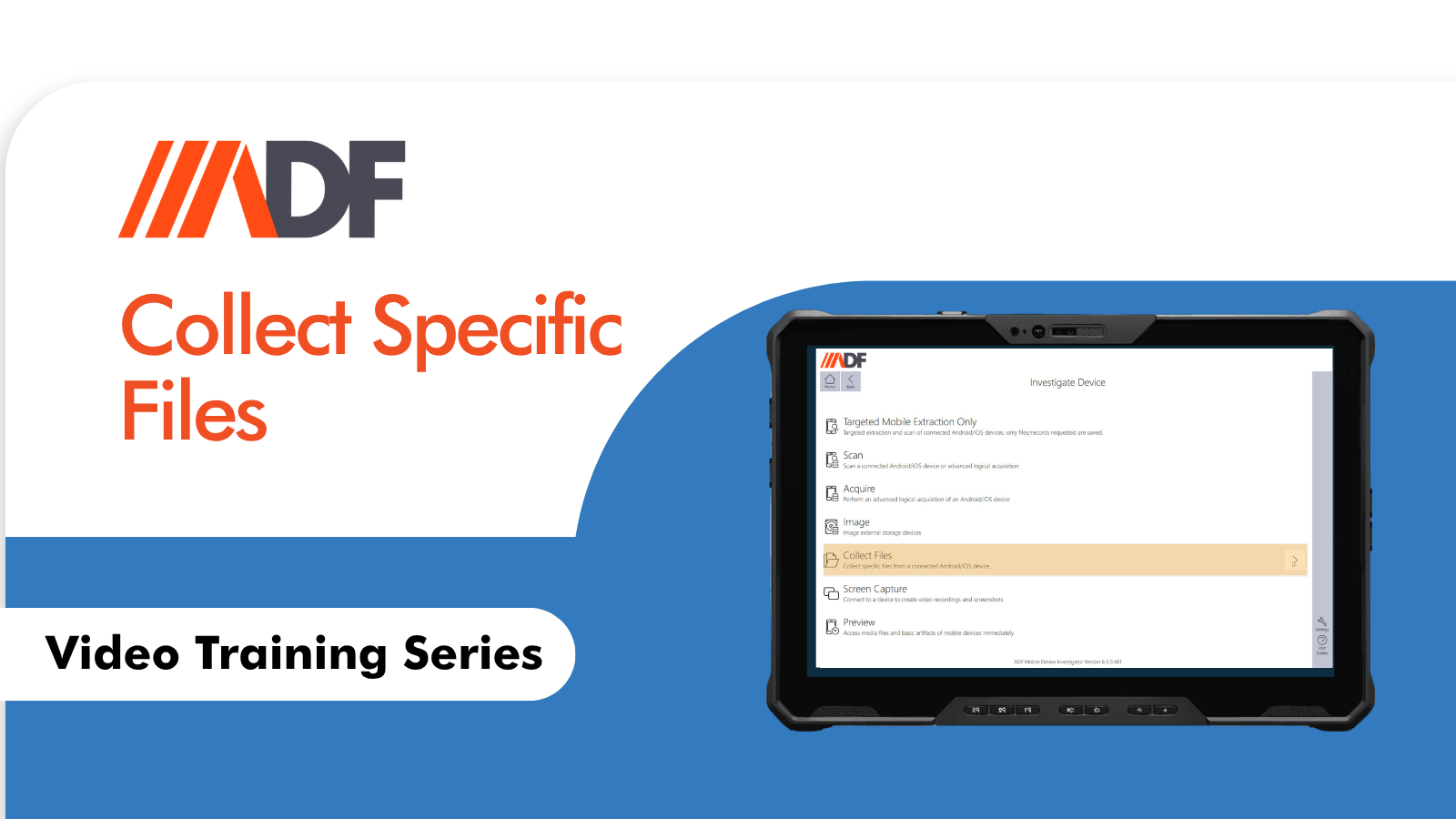
ADF PRO and MDI allow for the collection of this data through the Collect Files featureThe Collect Files feature is used to manually select individual files from a connected device for acquisition. Unlike a full
acquisition, this method targets specific files of interest and is ideal for narrow and focused evidence collection. With the Collect Files feature an investigator can connect the device, navigate to the specific files and save them as a logical acquisition. These files will be processed as an extraction allowing for analysis and reporting as in any other situation. No more finger forensics, losing evidence to a reluctant party or placing your personal property at risk.
Watch the video to learn more: