Entity Extraction, Keywords and Classification of Images and Videos (UPDATED JULY 2022)
ADF prioritizes digital evidence collection and provides investigators and examiners post-scan options to speed investigations. Post scan options let digital forensic investigators get fast and relevant evidence to make decisions on-scene and in the forensic lab.
ADF products also have several features to assist you after your forensic scan is complete. These features include:
- Search keywords across all results tables
- Picture / Image classification
- Video classification
- Entity extraction (with the Rosoka Add-on)
Watch this short 2-minute How To video from our digital forensic specialist and trainer, Rich Frawley to learn more about ADF Post Scan capabilities.
SEARCH KEYWORDS ACROSS ALL RESULTS TABLES
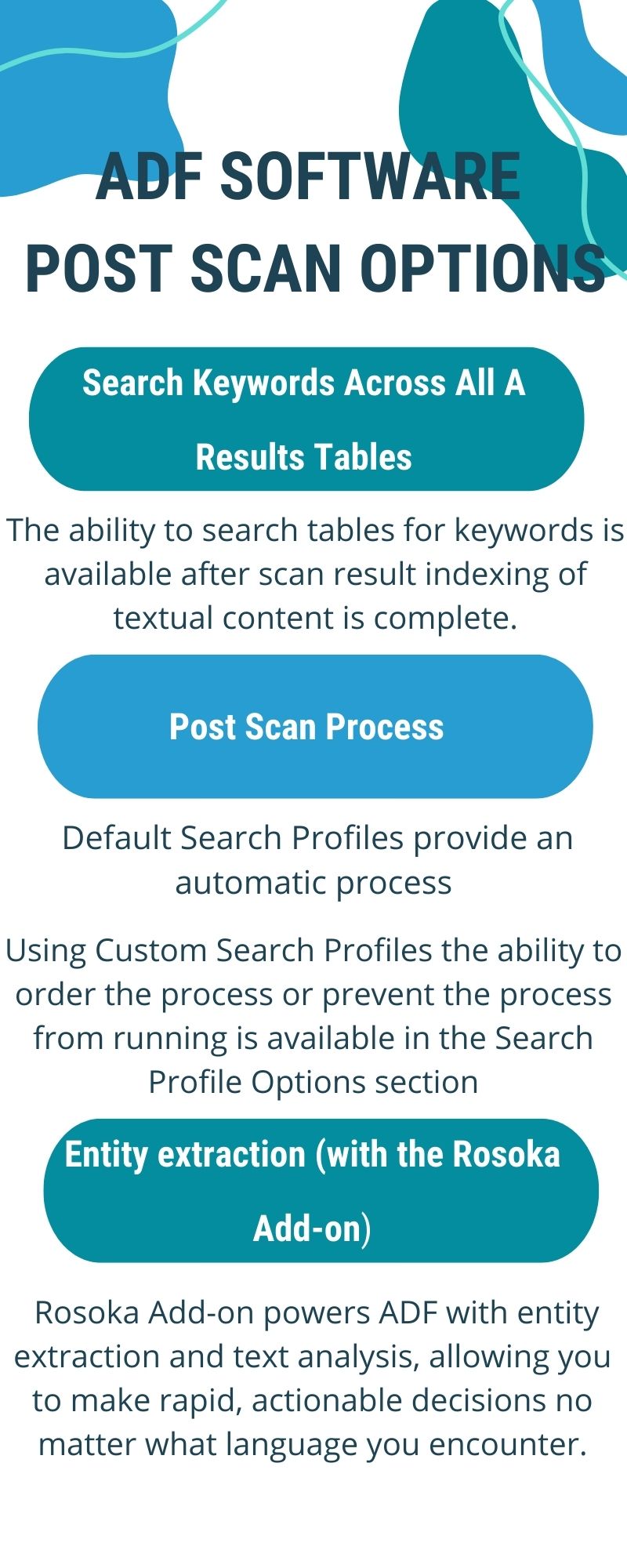
The ability to search tables for keywords is available after scan result indexing of textual content is complete. A warning that indexing is taking place will be present in the search box until the indexing is complete. Once complete, the ability to search is available. This process is
so fast most of the time the process is not even noticeable.
POST SCAN PROCESSES
The Post-Scan Options aspect of the ADF user interface shows the data processes that can be started once a scan is complete and in which order the process should be executed. The default Search Profiles provide an automatic process however the process can be paused and resumed if necessary.
Using Custom Search Profiles the ability to order the process or prevent the process from running is available in the Search Profile Options section.
- To enable a post-scan process, simply check its checkbox.
- To prioritize a post-scan process, mouse-over it to make the Order button appear and drag and drop.
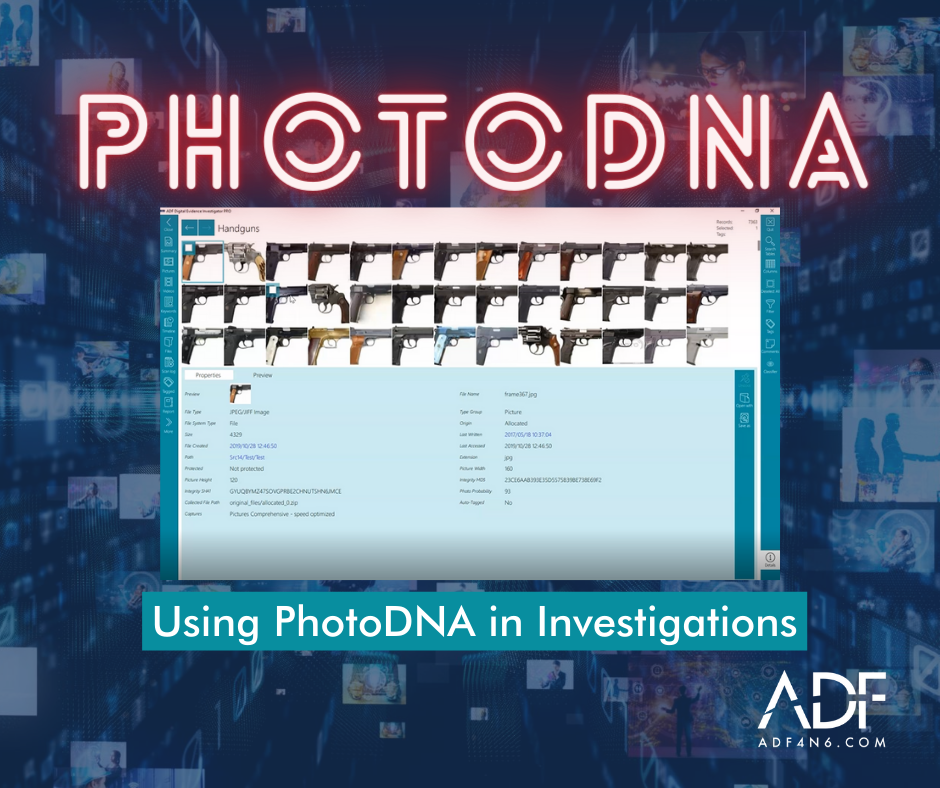
Watch: Digital Forensic Image Recognition & Classification
THE BENEFIT OF ENTITY EXTRACTION: NATURAL LANGUAGE PROCESSING (NLP)
The Rosoka Add-on powers ADF with entity extraction and text analysis, allowing you to make rapid, actionable decisions no matter what language you encounter. Standard with Triage-G2 and Triage-G2 PRO, the Rosoka Add-on is optional on all other ADF products to give users out-of-the-box Entity Extraction of more than 36 different Entity Types (such as person, place, organization, facility, phone, time, date, etc.) with the ability to easily configure to meet your digital evidence needs.
Entities are “gisted” to English, meaning that they are translated using Natural Language Processing (NLP) to identify the English word for the identified entity.