How to Start an Android Forensic Scan with MDI
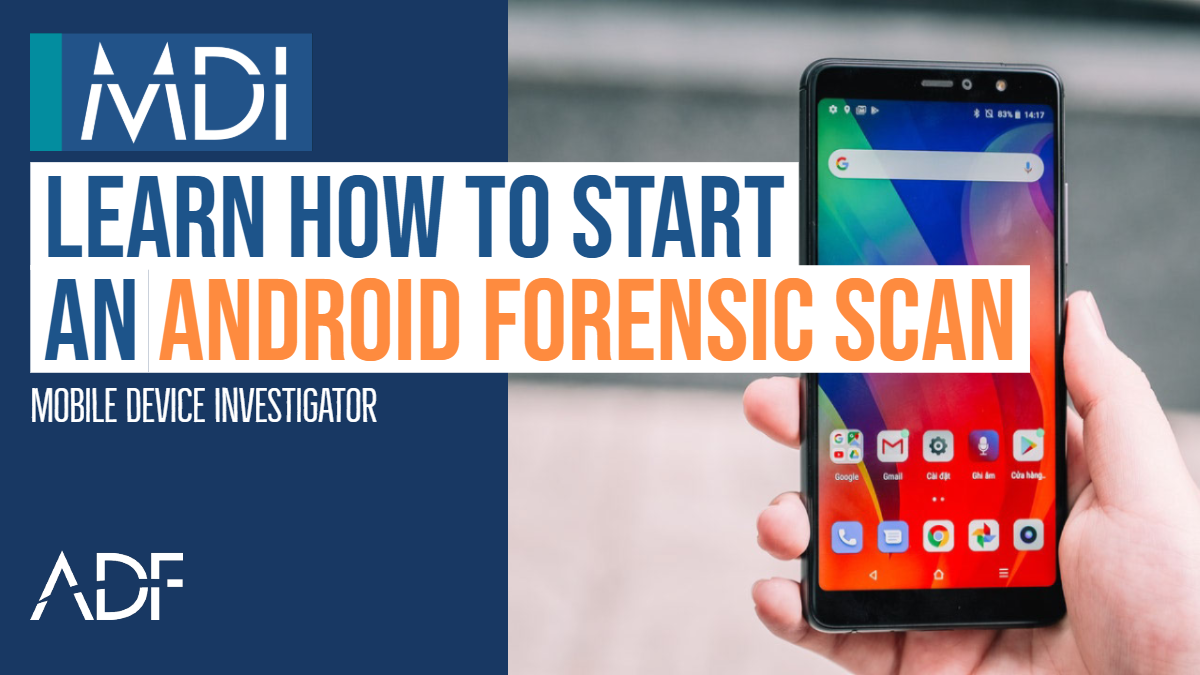
As you get started performing an advanced logical forensic acquisition of an Android device with Mobile Device Investigator®, you will want to learn how to attach an Android device to your forensic computer. This short video will show you how you can quickly and easily collect digital evidence from Android mobile phones and tablets.
Mobile Device Investigator® is mobile phone forensic software that comes with a quick start guide and a built in wizard which appears on the right hand side of the tool to help guide you through the process and alert you to items that have not been completed, such as device drivers not installed, or debugging not turned on. The MDI wizard will also guide you with instructions on what to do if debugging is not turned on.
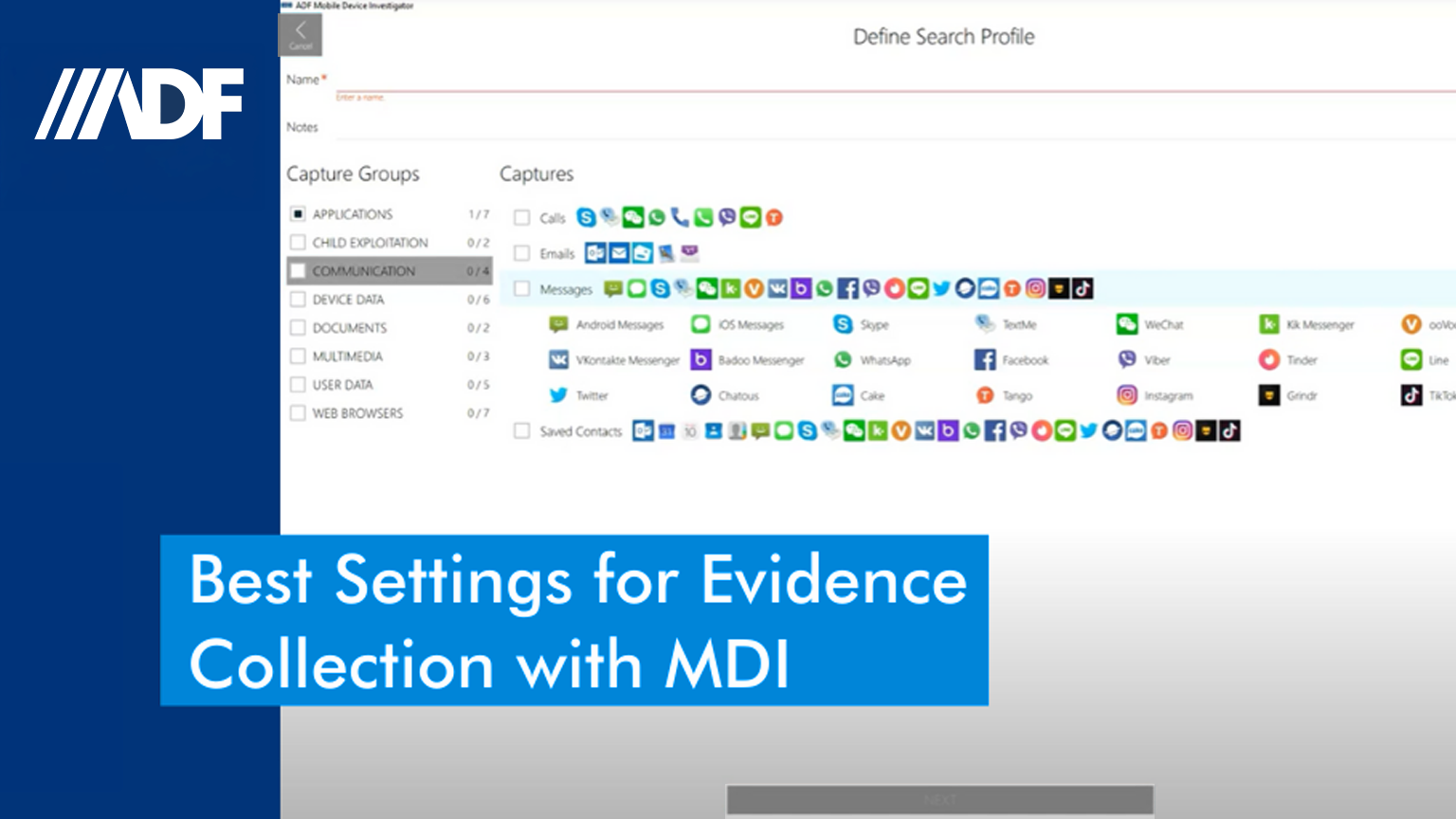
Once you are all set, you’ll select the Android device, choose your search profile, enter the name of your scan and press scan. The backup process will commence immediately followed by the scan. Note that you can search for keywords and hash values during acquisition. You can also:
- Perform a quick review of the data using the picture gallery, video frames, comprehensive filters, VICS/CAID auto-categorization, data de-duplication and white-list elimination
- Conduct an in-depth analysis of the data using the visual classification, timeline view, and view links between files of interest and user activities
- Create a custom report with tagged data and export reports in PDF, HTML, CSV or VICS formats
- Share reports with investigators and prosecutors using ADF’s Standalone Viewer
The Mobile Device Investigator (MDI) software can be deployed with ADF’s Digital Evidence Investigator®, Triage-Investigator® or Triage-G2® which can be especially valuable for front line police, sheriffs, field agents, school resource officers and investigators.