Using Digital Forensic Screen Capture on Mobile Devices
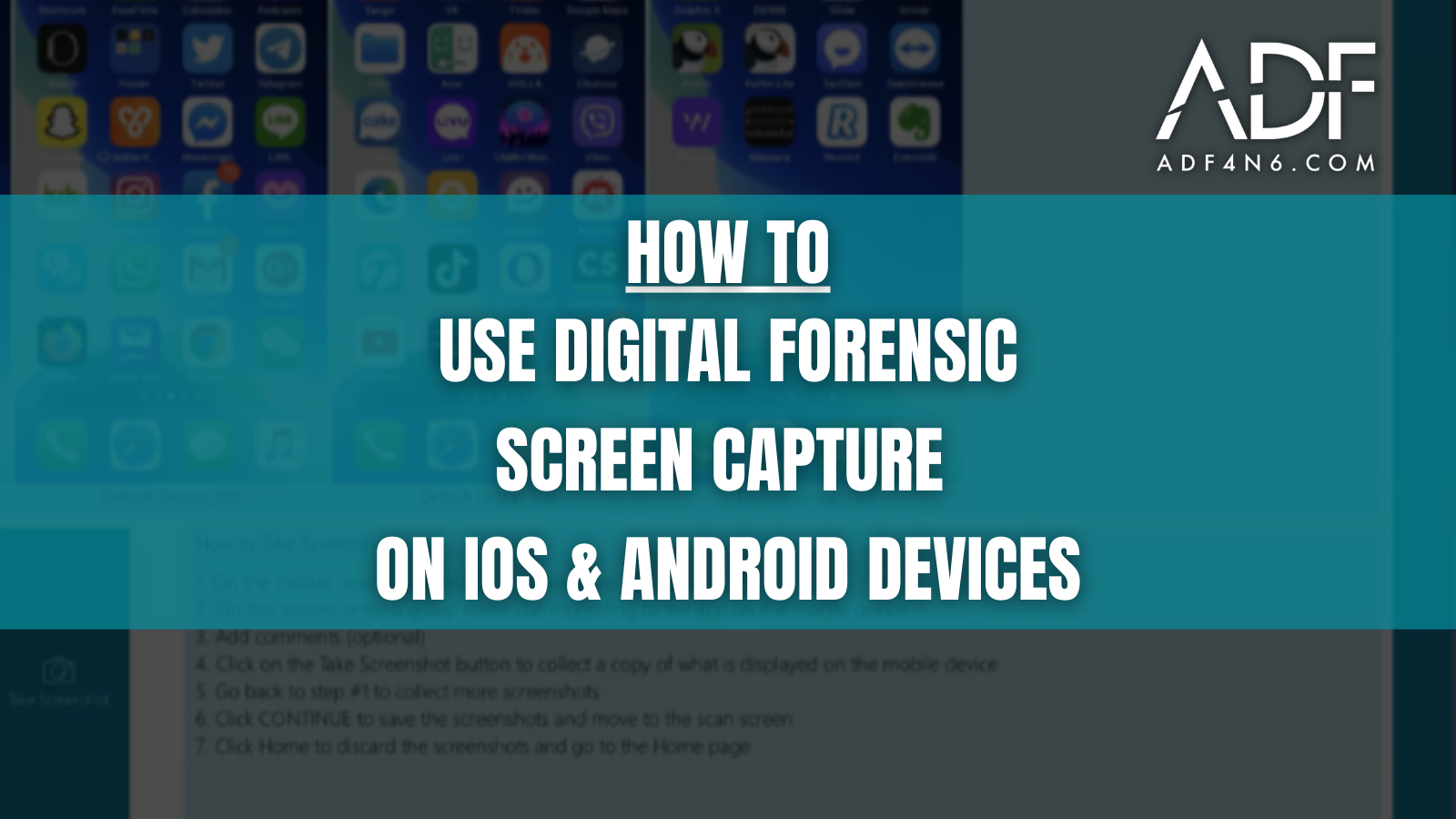
The ADF digital forensic screenshots feature enables frontline investigators to capture screenshots from any connected iOS or Android mobile device. This feature is useful for investigators who need to capture data that may not be included in a backup or to capture how a particular mobile app or screen appears to the user.
Screenshot text is run through Optical Character Recognition (OCR) software so investigators can search for keywords and extract entities as part of their analysis.
The details of the connected mobile device are shown in the lower left corner along with the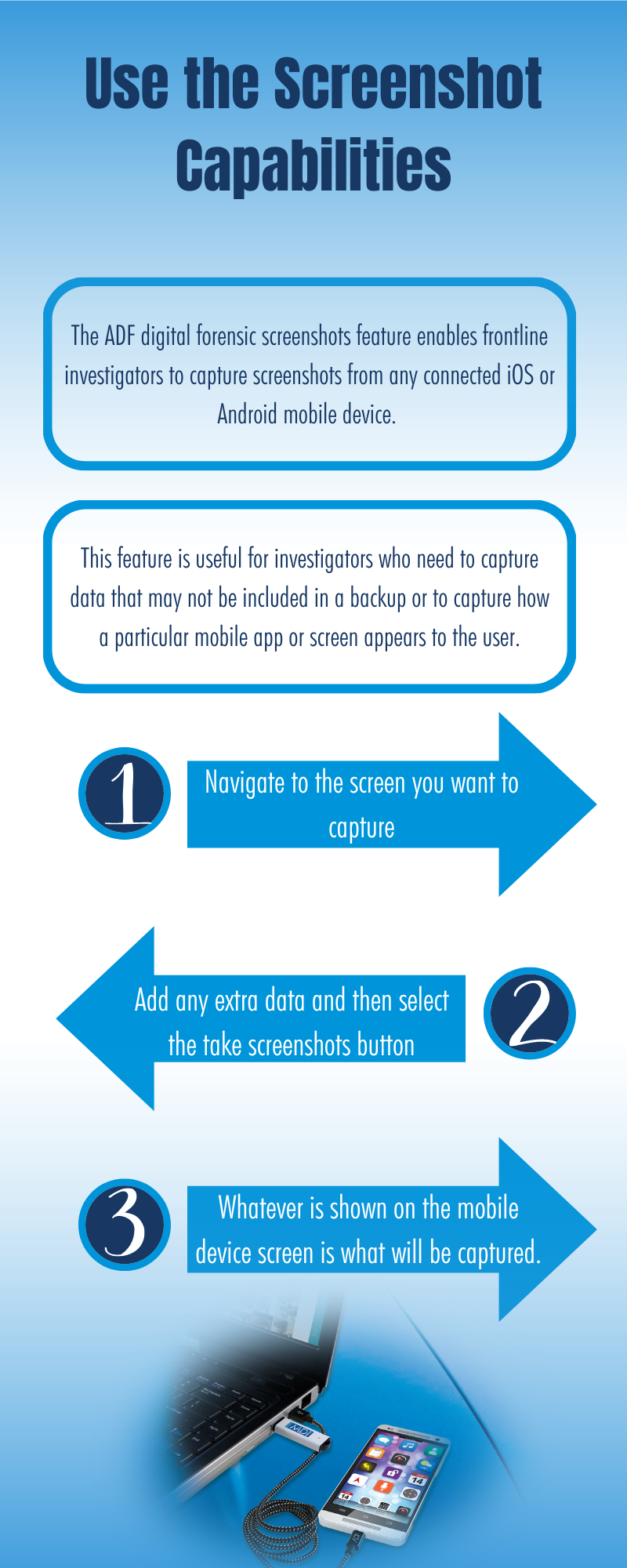 screenshot group name and the screenshot name followed by a sequential number.
Investigators can create screenshot groups to separate screenshots into distinct groups for later processing, such as by mobile application (such as Facebook, WeChat, Grindr, WhatsApp, Viber, etc.). Investigators can add comments to individual screenshots that can be used for later searches and filtering.
To use the Screenshot Capabilities:
Using the ADF Screenshot capabilities is a simple process:
- Navigate to the screen you want to capture
- Add any extra data and then select the take screenshots button
- Whatever is shown on the mobile device screen is what will be captured.
As digital evidence, screenshots are treated as recovered artifacts to help you build your case. Screenshot capabilities are available in Mobile Device Investigator, Digital Evidence Investigator PRO, Triage-Investigator PRO, Triage-G2 PRO, Field Investigator PRO for Teams, the MDI Field Tablet, and the DEI PRO Field Tablet.