What is a Search Profile?
 ADF digital forensic software including Digital Evidence Investigator® (DEI) and Triage-Investigator® come with out-of-the-box default Search Profiles. In this short video tutorial, we use Digital Evidence Investigator to demonstrate “What is a Search Profile?“.
In DEI the Search Profiles are maintained in the Setup Scans Menu option. The Search Profile, when run, will collect the information selected within the Search Profile. Search Profiles will run from the desktop application or from the collection key on a Live or Boot scan.
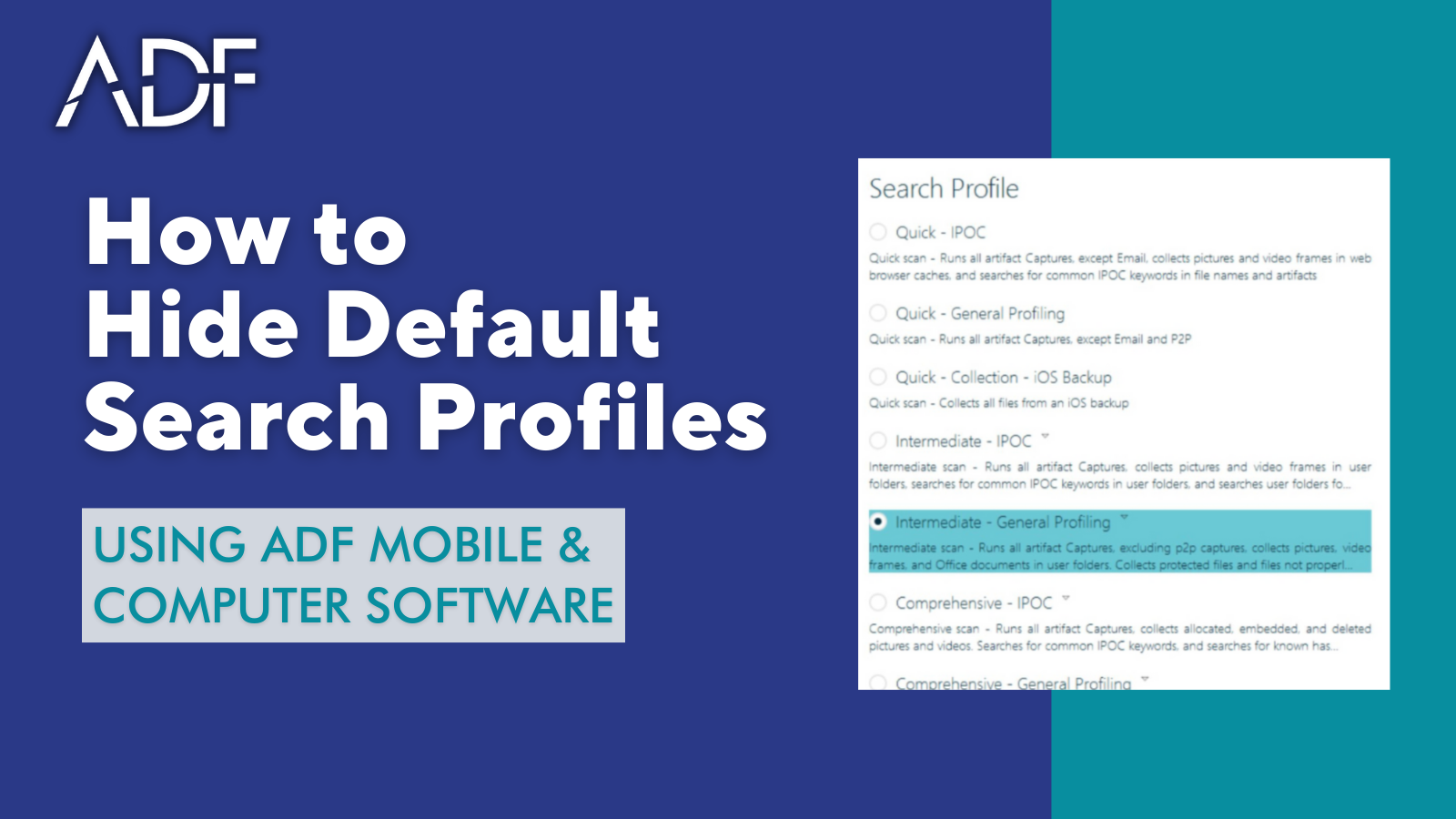
ADF Digital Forensic Search Profiles are categorized by speed and objective, such as:
- Quick
- Intermediate
- Comprehensive
Forensic scan run times can take from a few minutes to a few hours, depending on which profile you select.
In addition to ADF out-of-the-box Search Profiles, the software also supports the ability to build custom profiles. You can create a custom profile from scratch or you can start by customizing one of the default profiles. So for instance, if you are performing a child exploitation investigation, you can either use the Child Exploitation Search Profiles (formerly known as IPOC – Indecent Pictures of Children), or you can customize one by viewing what makes up the Child Exploitation Search Profile and then customize it by selecting “Copy” within the ADF software.
A Search Profile is a combination of Selected Artifact Captures and File Captures appropriate for the Search Profiles objective.
- Artifact Captures recover specific records or information e.g. browsing history records or user account information. Users cannot create or edit Artifact Captures.
- File Captures recover files matching certain criteria such as file properties, Files with matching keywords or files with matching hash values.
- File Collection Captures are supplied with the program and can also be user created.
Digital Evidence Investigator allows the creation of custom Search Profiles containing a combination of default and user-created Captures. Copies of the default Search Profiles may also be modified to suit your specific requirements and have options such as adding informational fields, collecting protected files, and applying bitlocker to the collection key.
Triage-Investigator does not allow Search Profiles to be customized but instead allows for the import of Digital Evidence Investigator created custom search profiles.