Prepare Evidence Collection Keys for Investigation (Updated in 2022)
Getting ready to work off site, out of the lab, out of your office, and in someone else’s domain is never an easy task. Whether it’s a search warrant, in a client’s office, suspect’s residence, or some other off-site location, being prepared is the key to your success as a digital forensic investigator.
2 Collection Keys for Your Investigation
When setting up your collection keys at a minimum you will need two collection keys so you can be prepared and adapt and overcome any issues that may arise. With time and task based profiles, you’ll have a set of versatile ADF Collection Keys.
Collection Key 1: Standard Search Profiles and Custom Profiles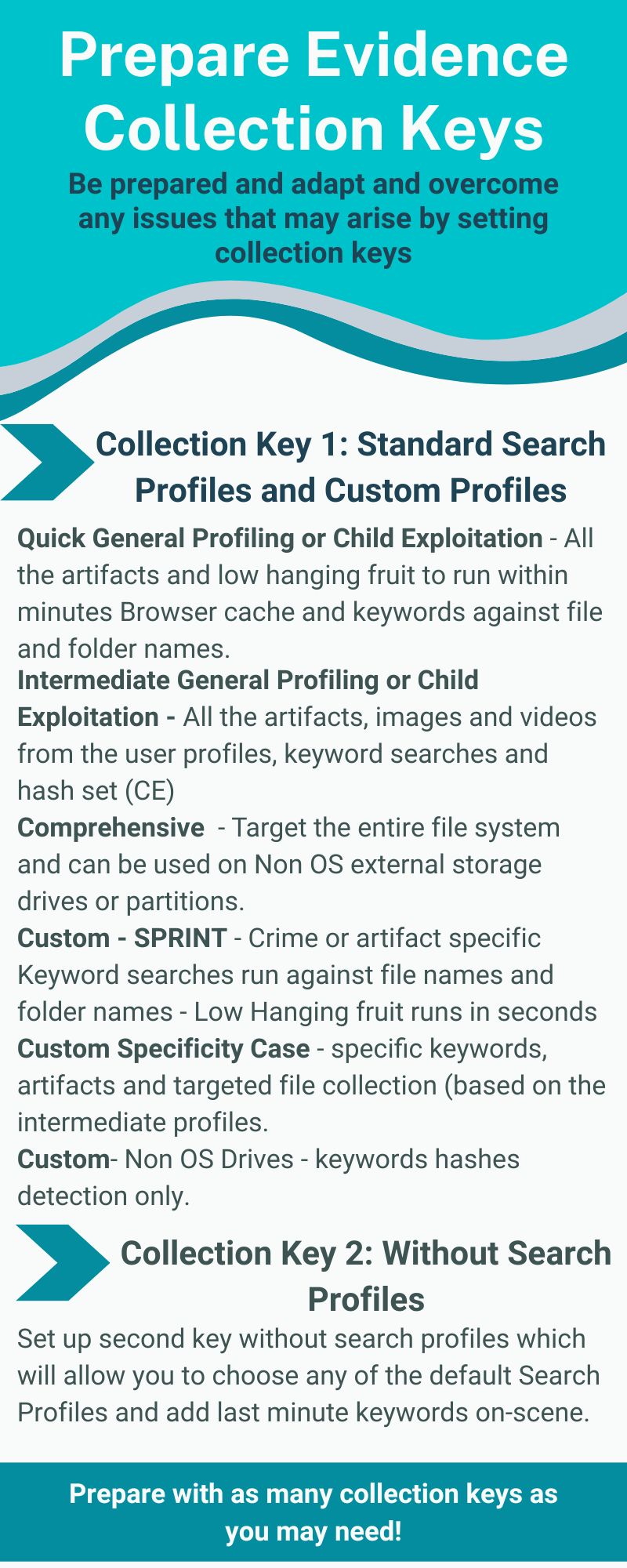
ADF provides investigators with more than a dozen Out-of-the-Box, standard Search Profiles to cover a wide variety of investigation types. We recommend loading your first collection key with the following digital forensic Standard and Custom Search Profiles:
- Quick General Profiling or Child Exploitation – All the artifacts and low hanging fruit to run within minutes Browser cache and keywords against file and folder names
- Intermediate General Profiling or Child Exploitation – All the artifacts, images and videos from the user profiles, keyword searches and hash set (CE)
- Comprehensive – Target the entire file system and can be used on Non OS external storage drives or partitions.
- Custom – SPRINT – Crime or artifact specific Keyword searches run against file names and folder names – Low Hanging fruit runs in seconds
- Custom Specificity Case – specific keywords, artifacts and targeted file collection (based on the intermediate profiles
- Custom – Non OS Drives – keywords hashes detection only
Once you create a custom search profile that is not case specific, it can be used over and over again. Case specific search profiles can be copied or edited to suit your next case needs. With this Collection Key you also have the option to add keywords on-scene if the situation changes and you need to adapt. Learn how to create Custom Search Profiles.
Collection Key 2: Without Search Profiles
You’ll want to setup this second key without Search Profiles which will allow you to choose any of the default Search Profiles and add last minute keywords on-scene. Learn how to create a Collection Key without Search Profiles.
Everything You Need to Know about ADF Search Profiles
What about customization or multiple devices on scene? You can come prepared with as many Collection Keys as you think you may need. If you have extra USB devices, Collection Keys can be prepared on scene with the DEI PRO Field Tablet built on Dell Latitude hardware.
Are you part of a Task Force or High Tech Crime Unit? Are your offices spread out across multiple jurisdictions? With ADF digital forensic tools you can create Custom Search Profiles and share it with other users who can import your Custom Search Profiles into their ADF application to use on-scene or in the lab.