← All resources

How to connect to an iOS device for Screencasting
NewsProduct Video

To connect an iOS device to ADF PRO or Mobile Device Investigator, it’s essential to have iTunes installed, as ADF leverages iTunes for the proper connection.

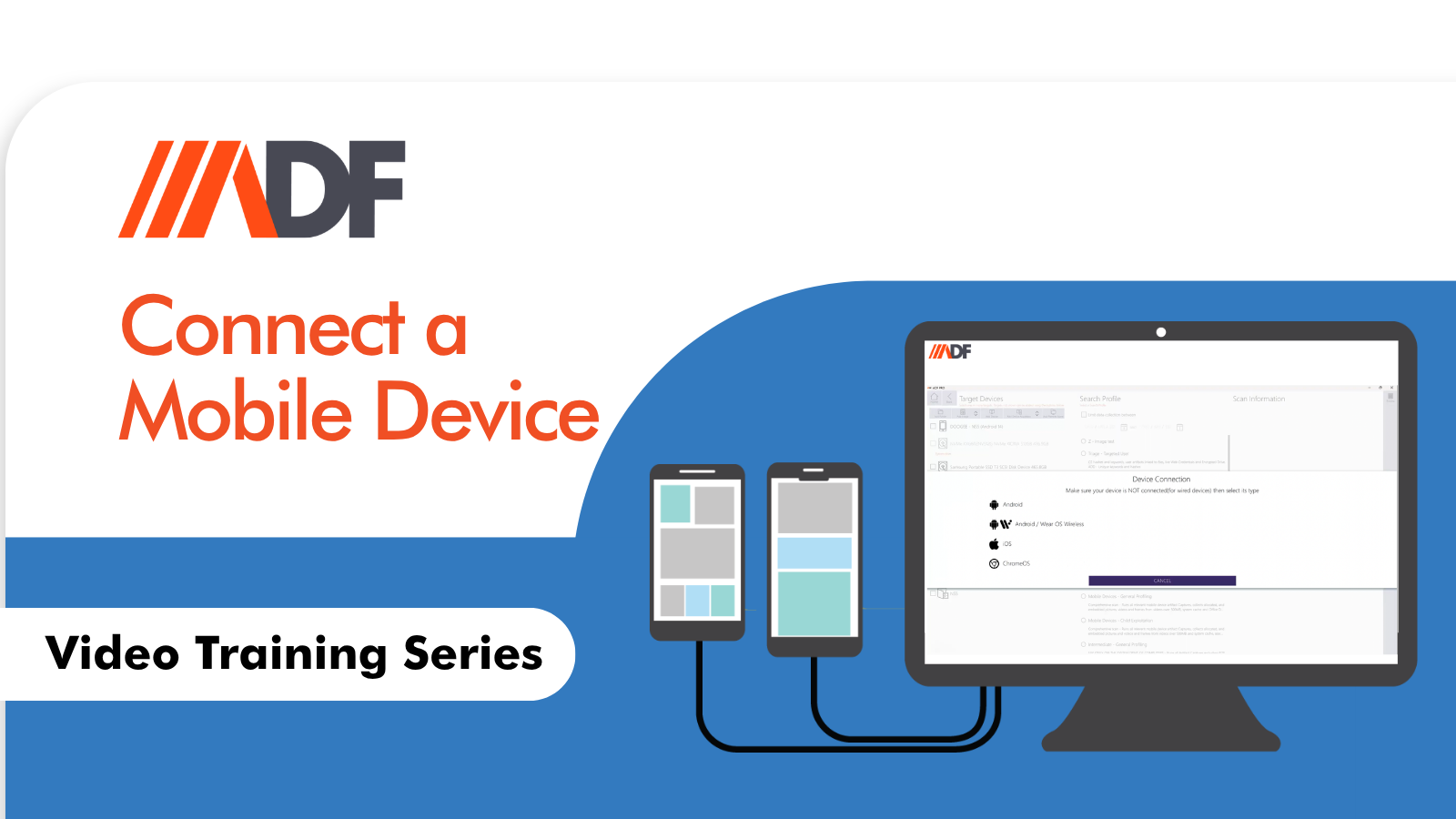
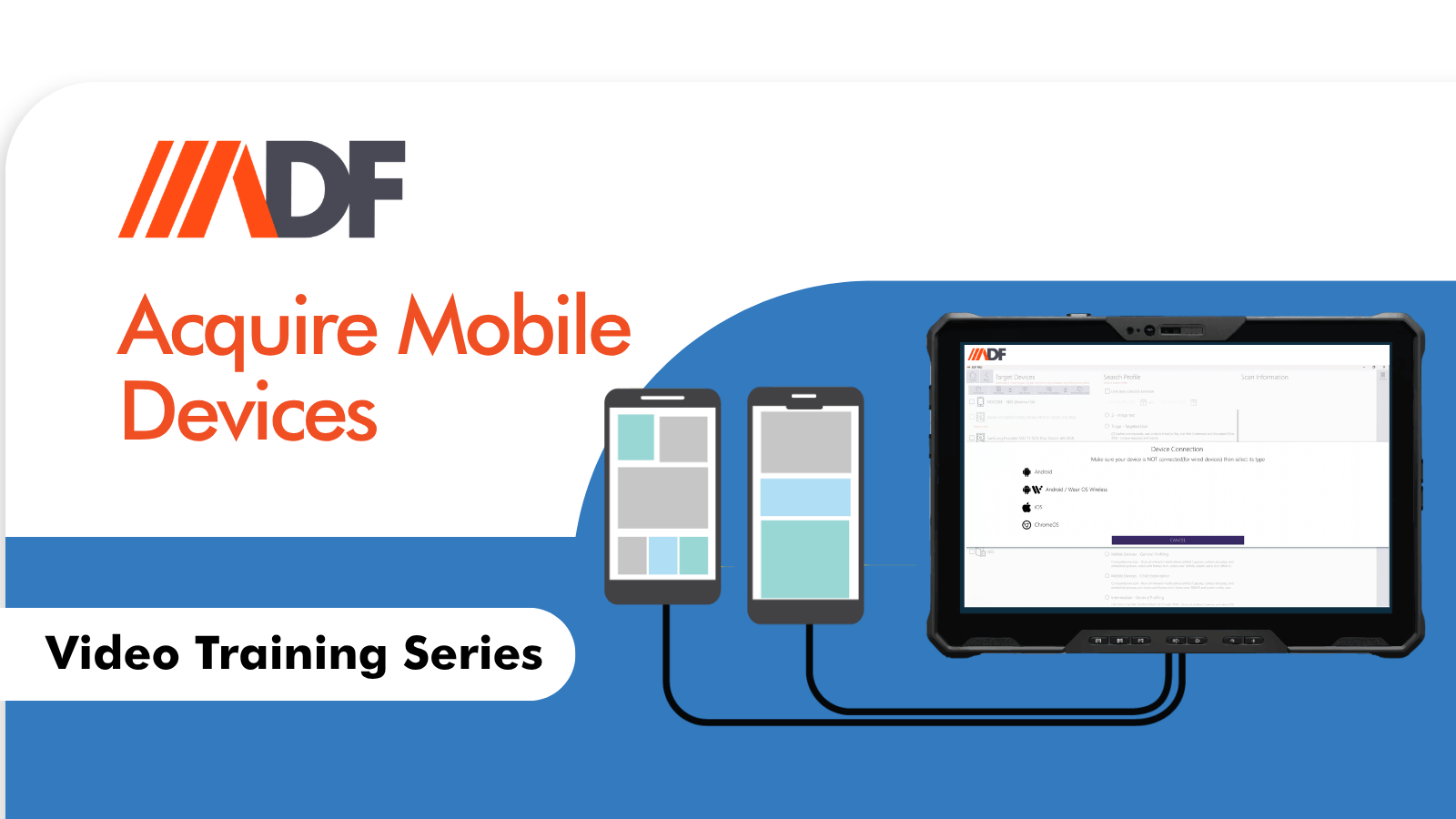
Begin by unlocking the device, setting Auto-Lock to Never, and accessing the “Add Device Wizard.” Following the prompts to establish a device connection, you’ll have access to more data than the Media Transfer Protocol (MTP), which only retrieves media.

For those with iOS 16 or higher, enable screen mirroring via AirPlay by connecting both the iOS device and ADF workstation to the same WiFi access point, ensuring a smooth connection for casting. If issues arise, consider alternative methods like MyPublicWiFi for a local network setup without internet access.

Watch the video to learn more:
REQUEST A FREE TRIAL

Related resources

News

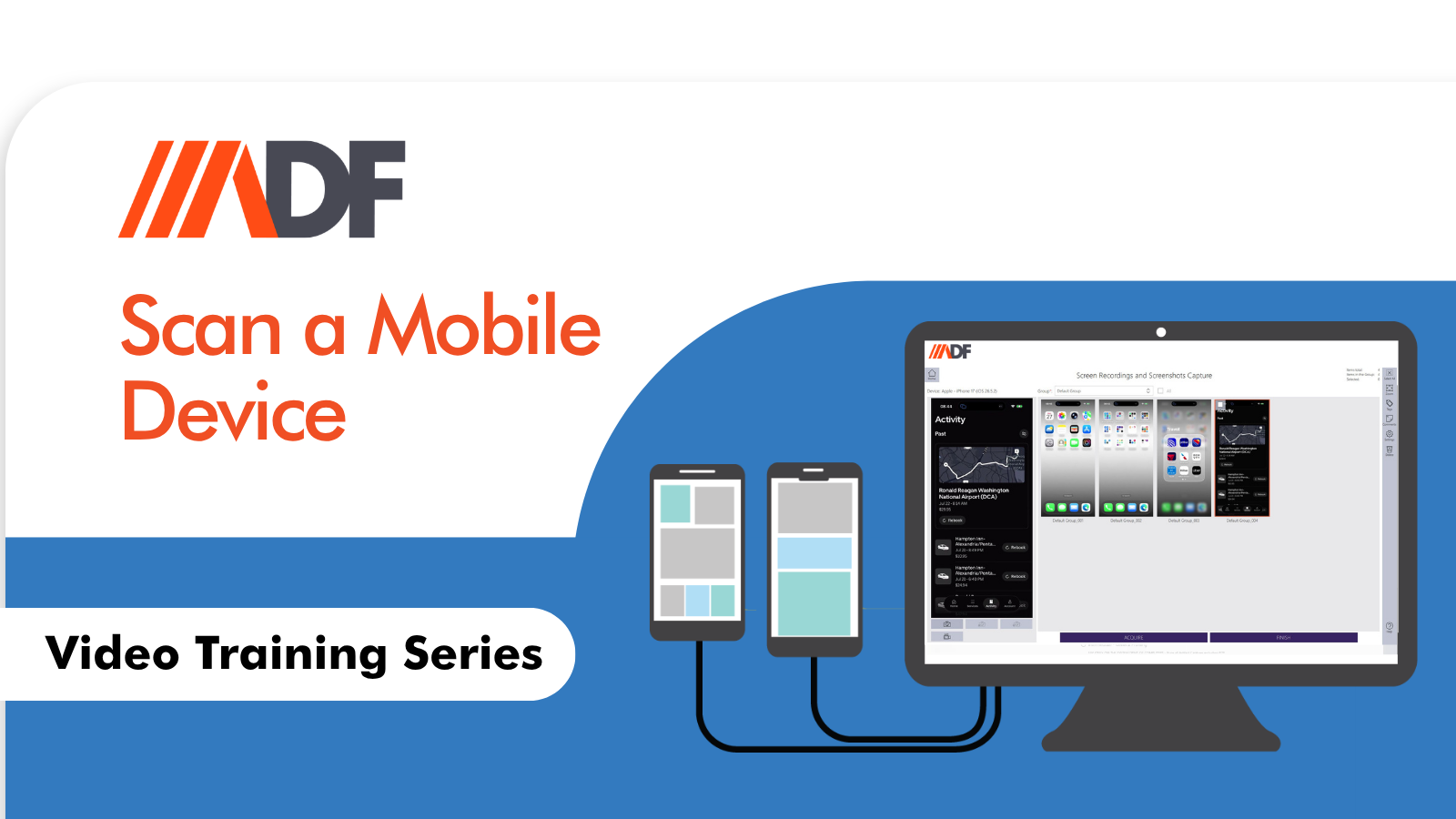
How to Scan a Mobile Device in ADF Pro and MDI

When investigators think of Mobile Device Investigator (MDI), the first word that often comes to mind is “speed.” It is the gold standard for on-scene triage—helping frontline officers and forensic examiners quickly engage with victims and witnesses, manage consensual encounters, and secure evidence before it walks away. However, viewing MDI purely as a “speed-only” tool...

News

How to Connect a Mobile Device Using the Connection Wizard in ADF Pro and MDI

In digital forensics, the quality of your examination often hinges on something deceptively simple: how you connect the mobile device to your forensic tool. A proper, reliable connection is not a minor technical detail—it is the foundation for acquiring data that is complete, accurate, and admissible. When that connection fails or is configured incorrectly, evidence...

News

How to Create an Acquisition of iOS and Android Devices in ADF Pro and MDI

Often, when investigators think of ADF Solutions, the first thing that comes to mind is rapid triage—getting to the critical evidence fast. And while our tools excel at that, they offer much more. We understand that your workflow isn’t always about racing against the clock. Sometimes, you need to manage a backlog, and sometimes, you...