Digital Forensics Age Detection and Facial Analysis
Crimes against children investigations can lead CSAM investigators to have to review thousands or even tens of thousands of images. Investigators need tools to help them find relevant evidence quickly.
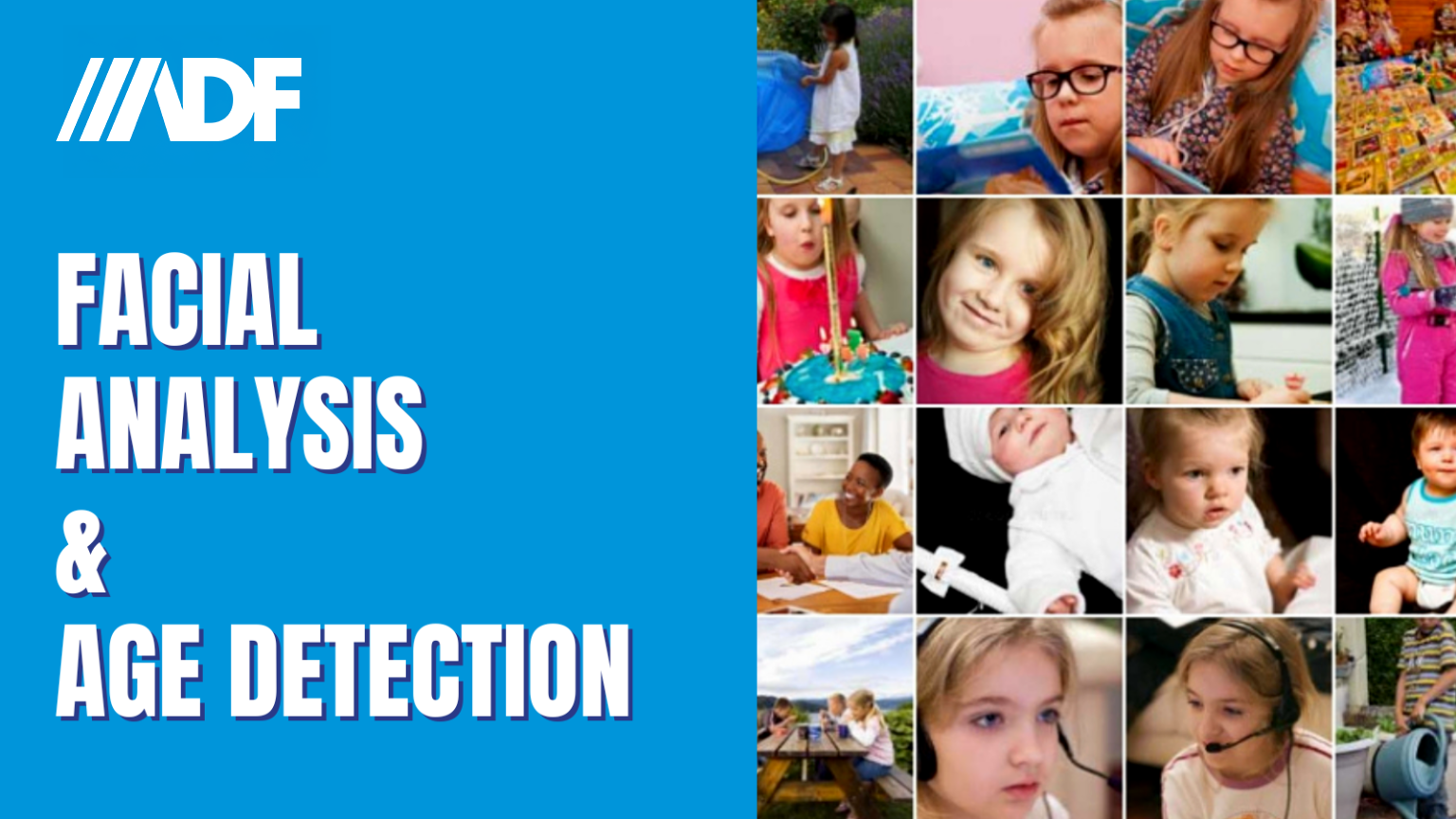
ADF’s Digital Forensics Age Detection capabilities allow investigators to take advantage of automated facial analysis and image recognition to filter results. The system can automatically find and detect images of:
- Infants
- Toddlers
- Children
- Adults
Combined with ADF’s built in support for Project VIC and CAID hashsets, as well as ADF’s hashing, matching and photo probability capabilities, and built in Search Profiles, investigators are empowered to start identifying victims and suspects to make intelligent, on-scene decisions.
In this short 3-minute video, you’ll learn how Internet Crimes Against Children investigators can get the most out of ADF triage and digital forensic software.
Investigating Child Exploitation Material
ADF tools are designed to make it easy for field investigators to triage mobile phones, tablets, computers and digital devices and include capabilities built specifically for ICAC Task Forces and law enforcement agents dedicated to investigating cybercrimes against children.
- Project Vic and CAID – Classifying and auto tagging gives investigators and forensic examiners the ability to remove these images from the gallery and analysis.
- Hashing – Provides investigators the ability to auto tag and remove from view.
- Matching – Automatically indicates and moves images to the top for easy tagging images that match a keyword or hash value.
Photo Probability
- Age Detection – Is set in the Search Profile and when customized can be enabled or disabled – it can also be prioritized before picture and video classification.
- Default Search Profiles – Are configured to run age detection and can be paused if not required for an investigation.
- Classification Button – To display post-scan processing tasks progress. These tasks include the visual classification of pictures, videos, age group detection, and entity extraction which is included with the Rosoka Add-On. This functionality also enables examiners to pause and resume post-scan tasks.
Investigators can also access Pictures or Video views filtered by a visual class once the classification is finished or paused.
How to Use Age Group Detection
Forensic examiners and digital media investigators can use the Age Group property filter to quickly eliminate pictures of adults to focus on different age groups – or select all – if the goal is to have all children as you may not be looking for a specific age group in an investigation. Once tagged items can be filtered out thereby reducing the gallery of items to be analyzed.
You might also like: