Everything You Need to Know about ADF Search Profiles
Speeding digital forensic investigations has been ADF’s focus since 2005 when we filed our first patent application which focused on the creation of Search Packs that could be edited for rapid data identification, data sharing and management.
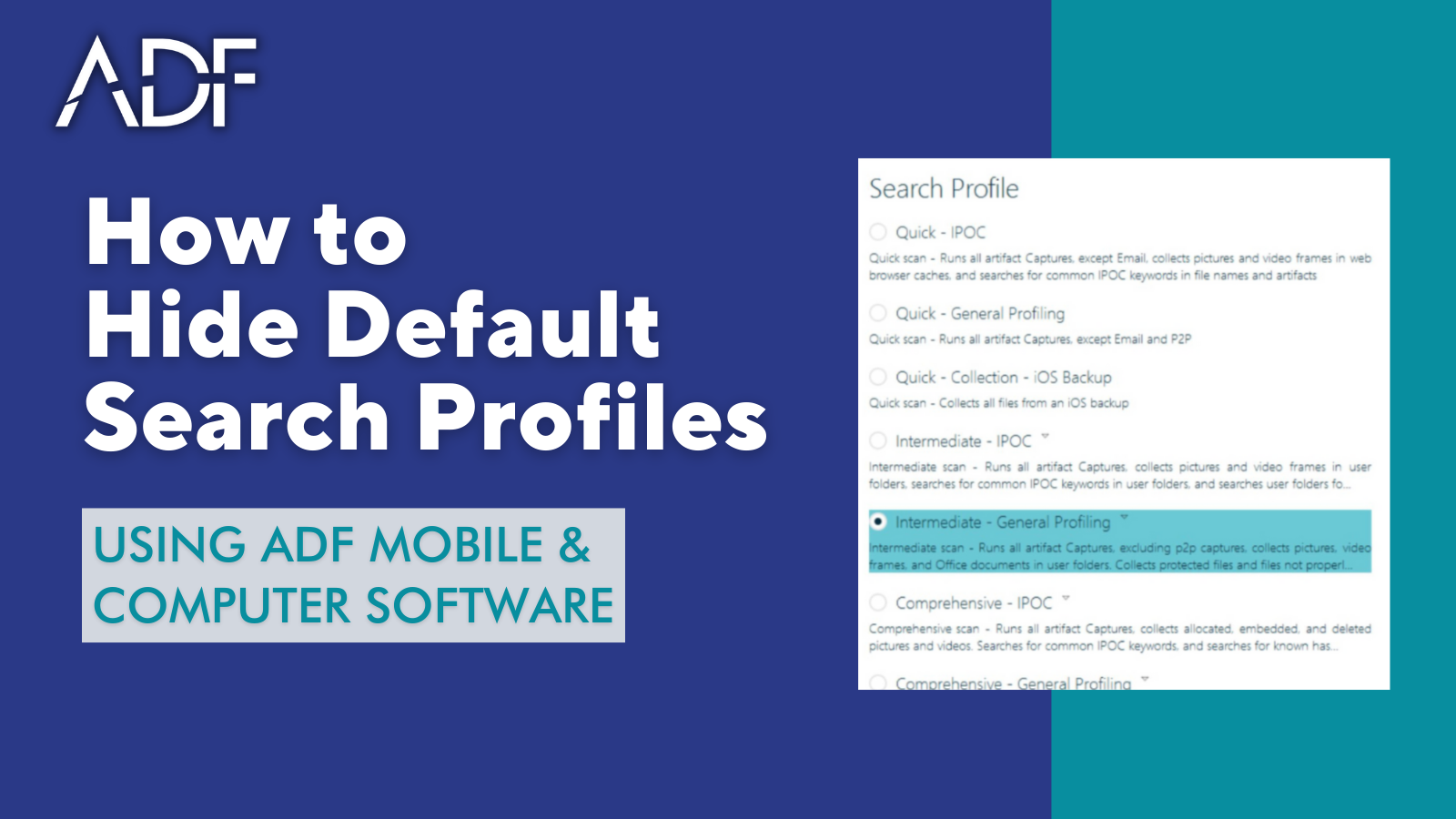
 An ADF Search Pack, now commonly referred to as a Search Profile enables an agency or an investigator to create and share a predefined set of file and artifact captures that make up an investigative strategy for a particular case or type of case.
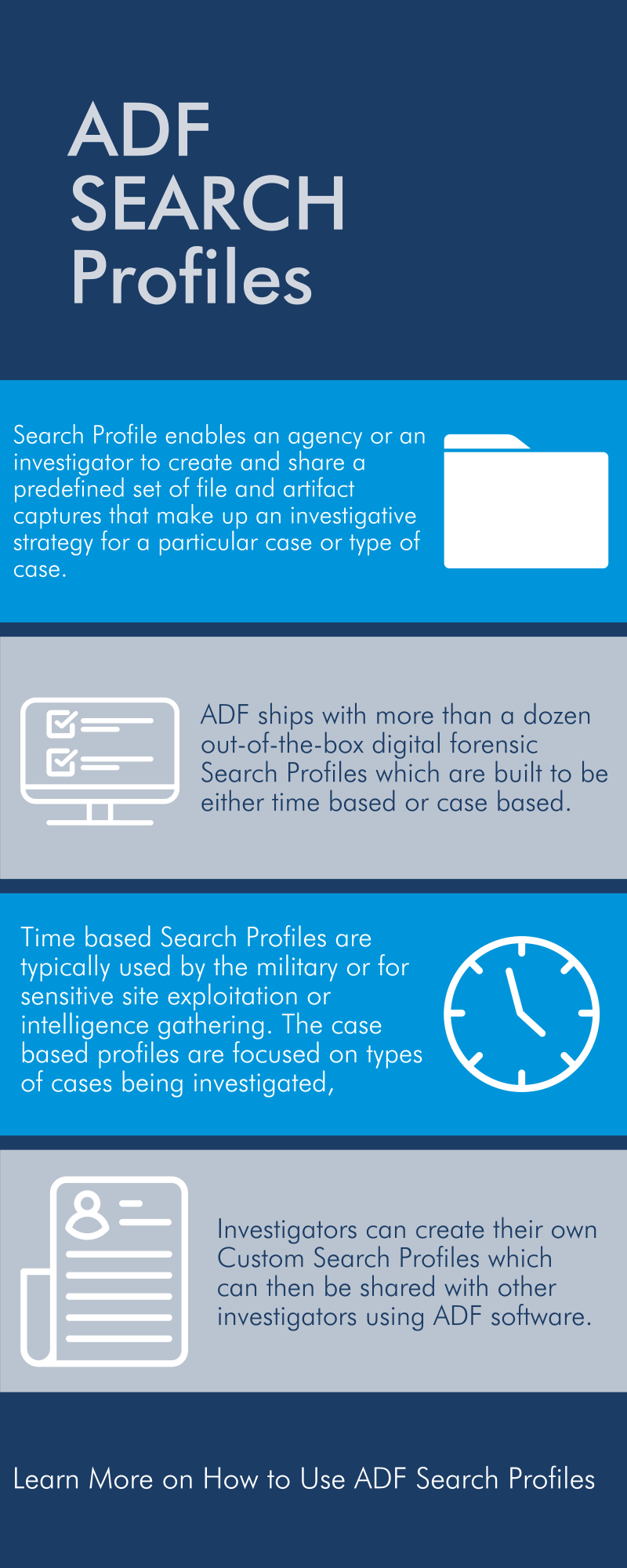
ADF ships with more than a dozen out-of-the-box digital forensic Search Profiles which are built to be either time based or case based. The time based Search Profiles are typically used by the military or for sensitive site exploitation or intelligence gathering where there is a time limit on-scene. The case based profiles are focused on types of cases being investigated, such as executing a search for Child Exploitation Material (CEM / CSEM) or Child Sexual Abuse Material (CSAM).
ADF Search Profiles automatically capture relevant evidence during a digital forensic investigation. Investigators can create their own Custom Search Profiles which can then be shared with other investigators using ADF software. The ideal scenario is where digital forensic experts using Digital Evidence Investigator PRO, share Search Profiles with numerous field investigators using Triage-Investigator PRO.
For a deep dive into ADF digital forensic Search Profiles, here’s a list of relevant information:
To learn how to use Search Profiles to streamline your investigations, join digital forensic specialist, Rich Frawley for an online training session: