RAM Dump Forensics
 What’s the fastest, easiest way to perform RAM Dump? While there are many tools and techniques available to examiners for recovering data from volatile memory, ADF Digital Evidence Investigator®, Triage-Investigator®, and Triage-G2® are fast and easy.
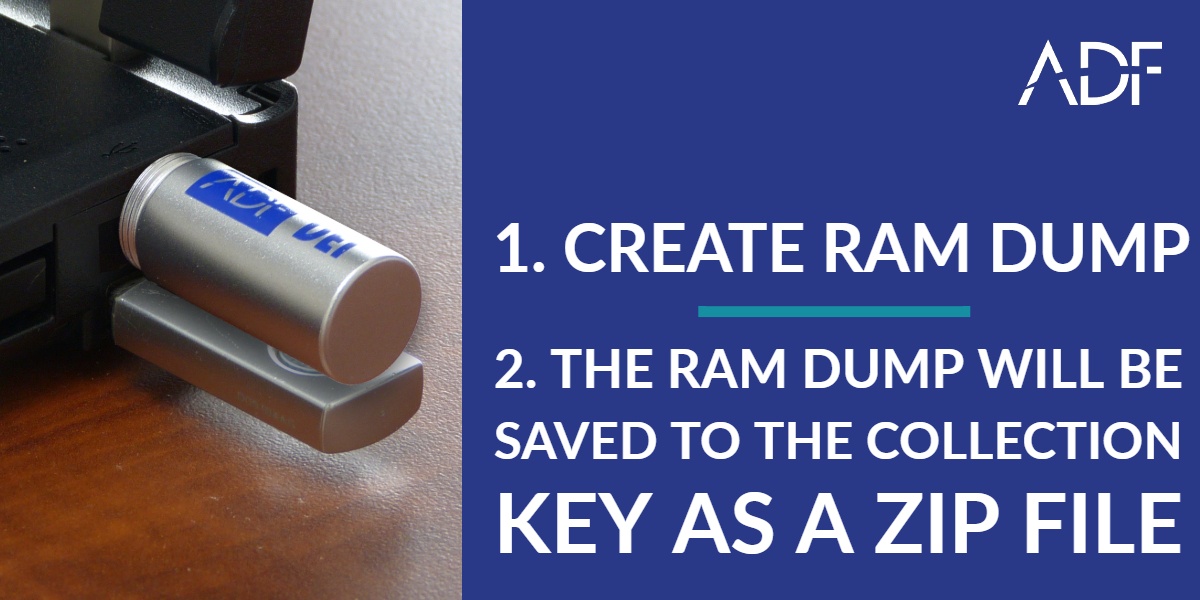
A simple 2-step process lets even the most non-technical field investigators or highly trained digital forensic examiners quickly perform a RAM capture when running a live scan on the computer from a collection key:
- Click “Create RAM Dump” from the main menu
- The RAM Dump will be saved to the collection key as a .bin file and then zipped
Capturing Random Access Memory (RAM) is increasingly important since detectives and investigators have realized that many types of artifacts can be recovered in volatile memory and this evidence can benefit an investigation and can allow an investigator to understand what applications were being used by a suspect or at the time of apprehension or attack.
In the case of hacking, it is also possible that a remote attacker could have stored data, tools or other artifacts in RAM rather than on the system drive. Volatile memory data can include:
- Processes
- Information about open files and registry handles
- Network information
- Passwords
- Cryptographic keys
- Unencrypted content
- Hidden data
- Worms and rootkits written to run in memory
Reveal Evidence About Users and Systems
Don’t lose evidence! Investigators, examiners and digital first responders should recover RAM from running PCs to preserve the evidence found in memory. The contents of RAM are lost the minute a computer is turned off so collecting that content is critical so training your field agents to collect RAM on-scene can be critical to solving your case. With ADF computer triage software, training is minimal since performing RAM capture is a simple 2-step process.