Get Android and iOS Evidence Fast!
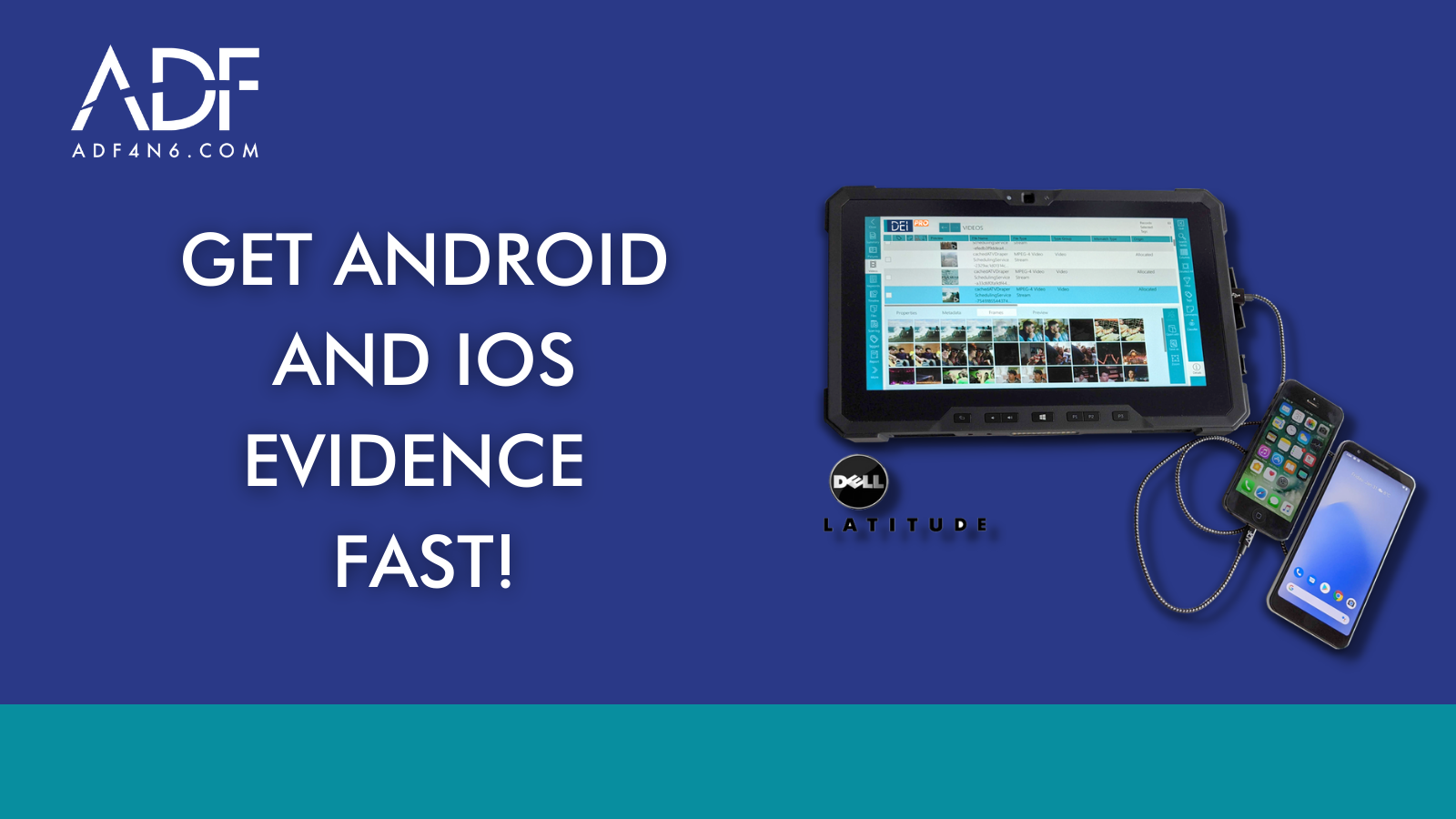
Do you need to acquire digital evidence from an iPhone, Android or tablet device quickly?
Mobile Device investigator is a stand-alone digital forensic software tool for advanced logical iOS and Android smartphone investigations.
- Preview evidence in seconds
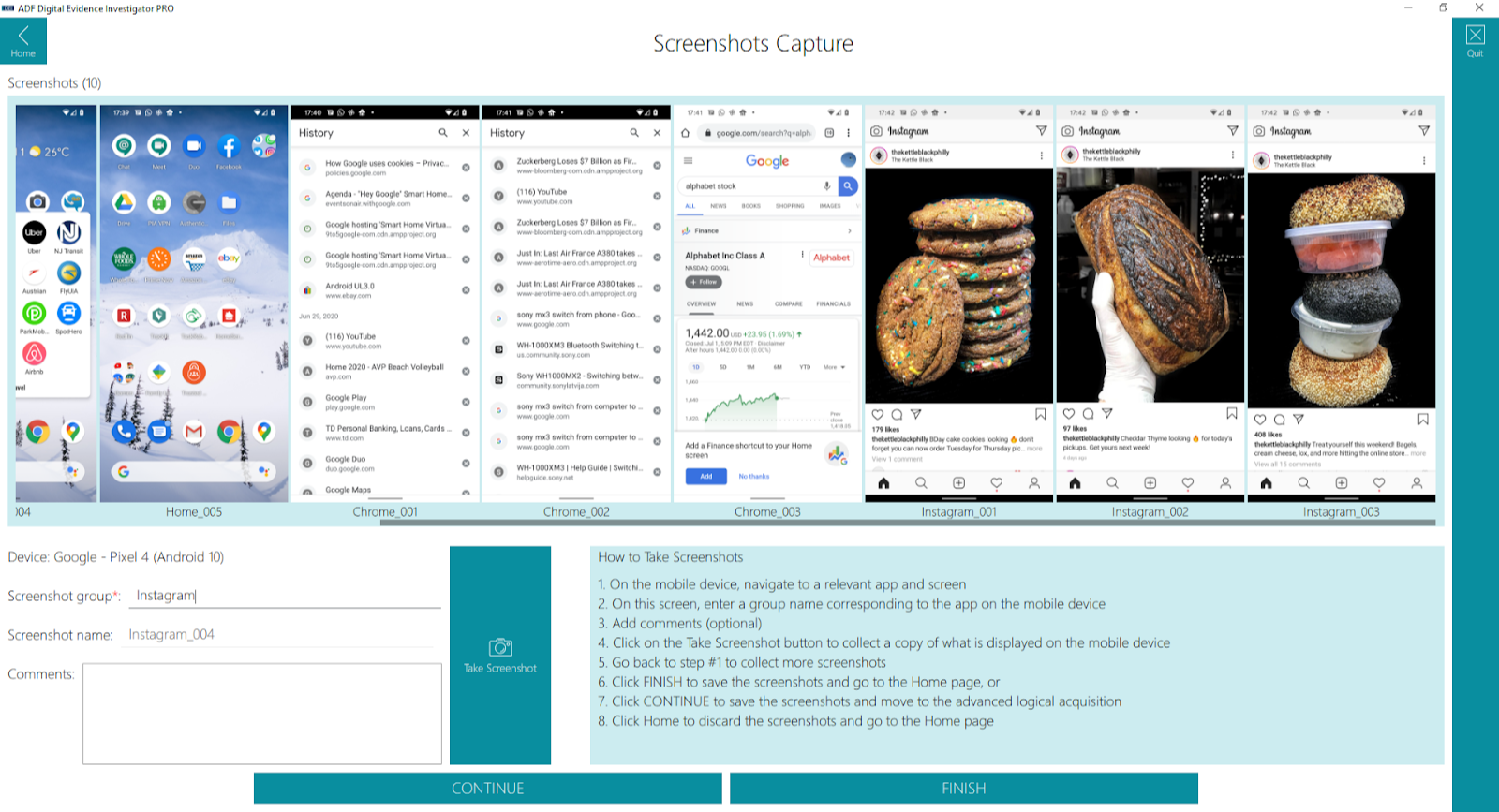
- Screenshot evidence on the phone or tablet (with automatic OCR)
- Acquire a backup of the device
With MDI, investigators can scan iOS and Android devices or backups. You can also create a backup of your iOS and Android device for scanning later and you can create screenshots and instantly preview a device.
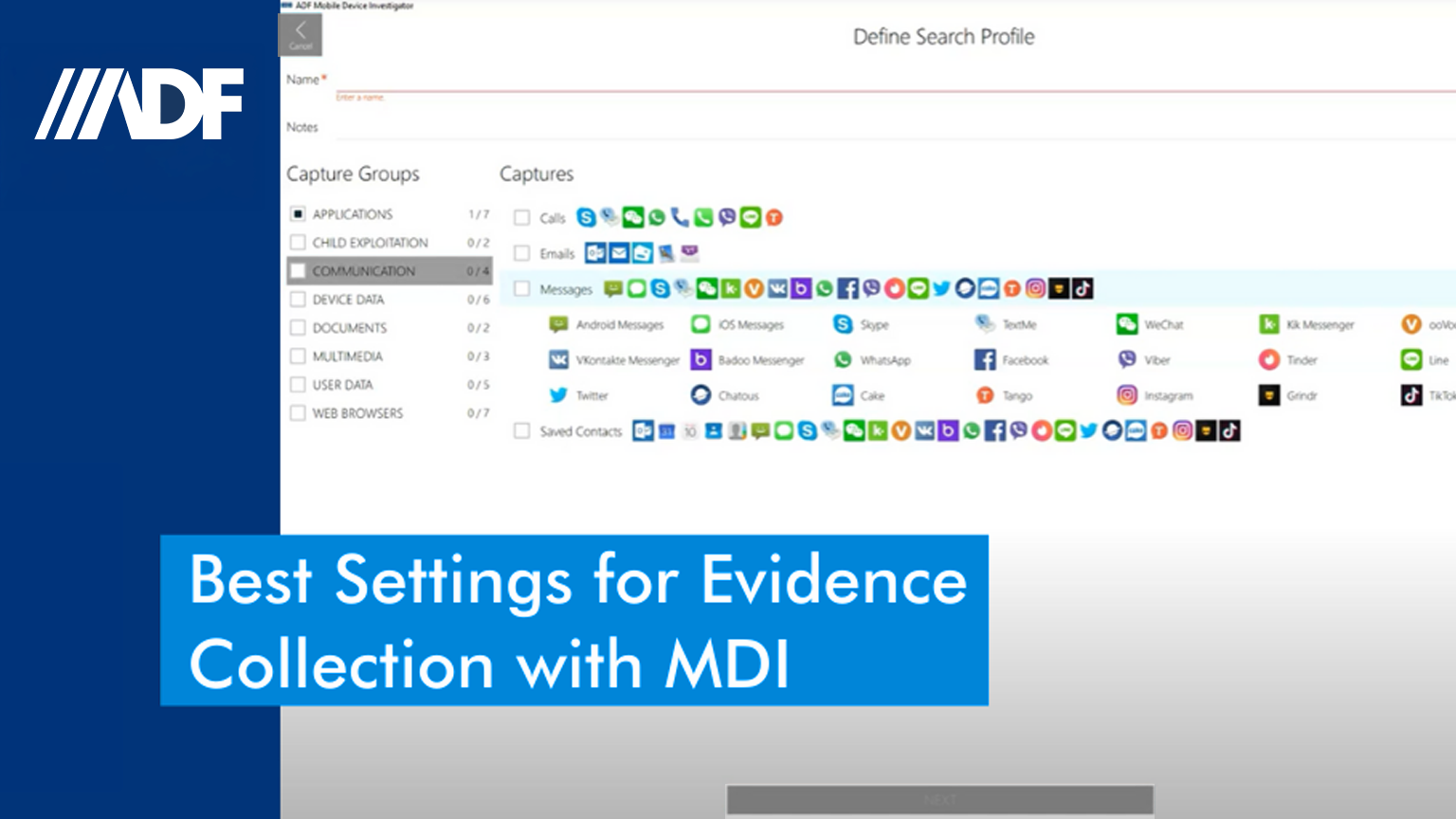
Investigators can customize and create digital forensic Search Profiles with keywords and hashsets (including VICS and CAID data). And you have the powerful analysis capabilities that investigators and examiners have become used to with the ADF family of triage tools. With MDI, you can empower your frontline investigator with on-scene mobile device investigation.
Preview Mode
With Preview Mode you have instant access to the device – with fully functioning analysis, filtering, sorting, and reporting – so decisions can be made immediately.
Screenshot Mode
Screenshot Mode allows you to collect information that may not be collected in a back up or collect specific data from cooperating witnesses or victims and with OCR the textual content of the screenshots are searchable. Collecting data while conducting your investigation, gathering specific and relevant information – Whatever the call, whatever the situation, MDI is on-scene and ready to go.
No Forensic Lab Required
When the lab is not available MDI is! When confronted with numerous devices, quickly identify phones with relevant data by using custom keywords and hashes, or scanning numerous backups at once.
Jumpstart your case with custom profiles to target specific data. Perform a quick review of the data using the picture gallery, video frames, comprehensive filters, and VICS and CAID auto categorization. Conduct an in-depth analysis of the data using visual classification and timeline view, View links between files of interest and user activities. and create a custom report with tagged data and export reports in PDF, HTML, CSV or VICS formats — and share reports with investigators and prosecutors using ADF’s Standalone Viewer.
Mobile Device Investigations just got a whole lot easier.