Quick Kik Messenger Forensics for iOS and Android (UPDATED September 2022)

Kik, also known as Kik Messenger, runs on Android, iOS, and Windows operating systems and is a free app used by more than 200 million people worldwide to send and receive messages that can include photos and videos as well as other content. Kik is popular with children as young as 13 as well as young adults. Because of its popularity with children, the Kik app has become a magnet for child exploitation.
 Law enforcement professionals in the United States, United Kingdom, and elsewhere have come to understand the importance of digital evidence for apps like this since the service has been known to make it easy for individuals to trade child sexual abuse material (CSAM).
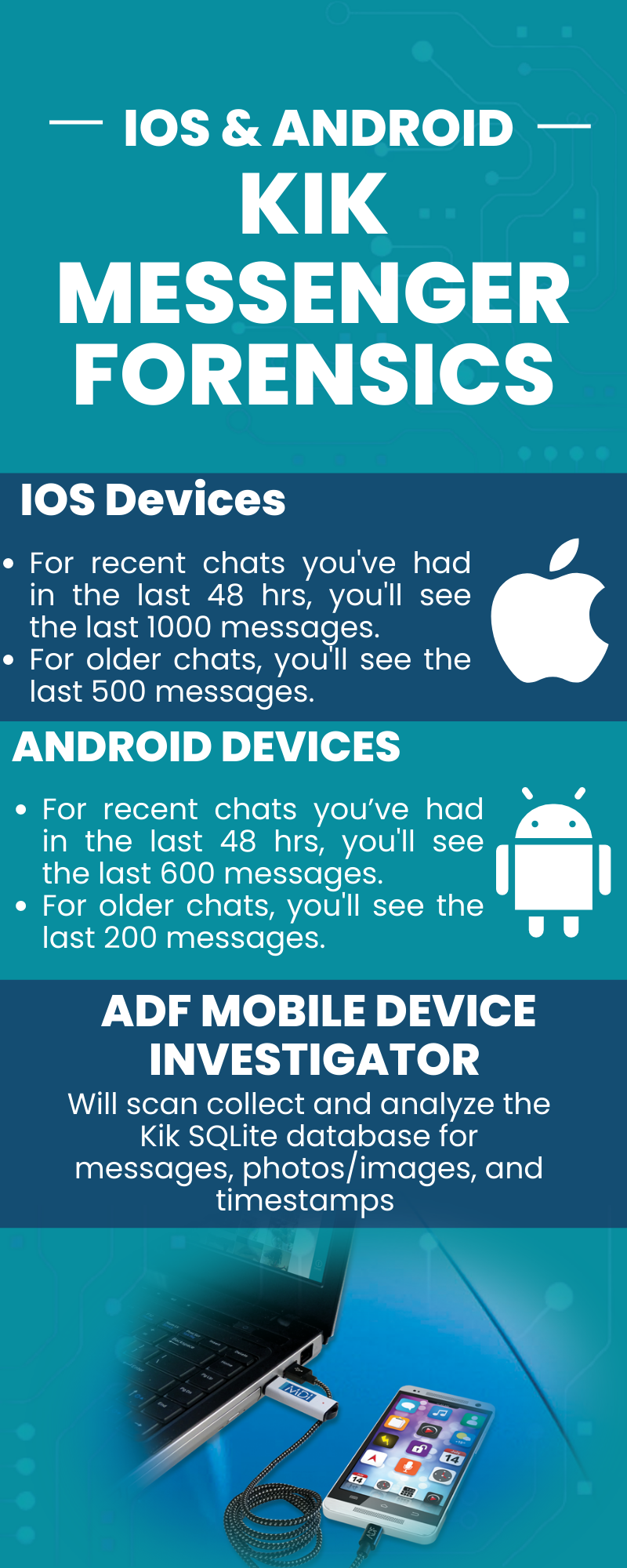
Since most mobile investigations involve retrieving messages, Mobile Device Investigator will scan collect and analyze the Kik SQLite database for:
- Messages (read/unread) with Senders and Receivers
- Photos / images
- Timestamps
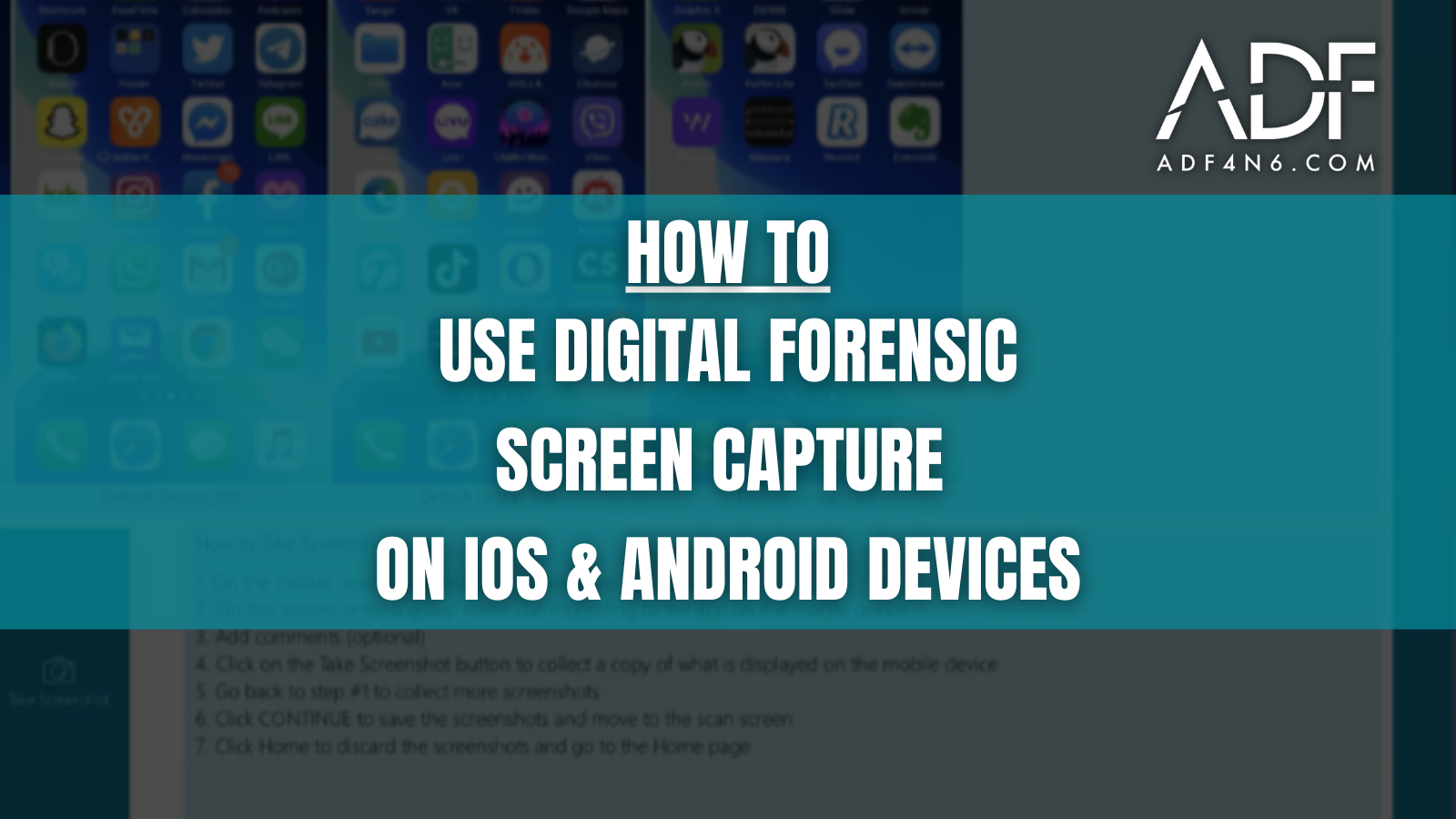
It’s important to check photos as well since according to the Kik Help site “There isn’t currently a way to save or backup your Kik chats. Depending on your device, you can screenshot the parts of your chats you’d like to save. It’s also possible to use a second device to take a picture of a chat as it appears on your screen.” Mobile Device Investigator makes it easy for investigators to take screenshots of mobile devices for forensic acquisition.
KIK Forensics for iOS Devices
- For recent chats you’ve had in the last 48 hrs, you’ll see the last 1000 messages.
- For older chats, you’ll see the last 500 messages.
KIK Forensics for Android Devices
- For recent chats you’ve had in the last 48 hrs, you’ll see the last 600 messages.
- For older chats, you’ll see the last 200 messages.
Widely respected as one of the best mobile phone forensic software tools, qualified investigators can try Mobile Device Investigator for free.