← All resources
The Ultimate Checklist for Buying a Digital Forensics Tool
In today’s digital age, virtually every crime brings with it the potential for an abundance of digital evidence.
Do you have the tools necessary to successfully complete your digital forensics investigations?
Below is the checklist for what to have in a digital forensics tool:
-
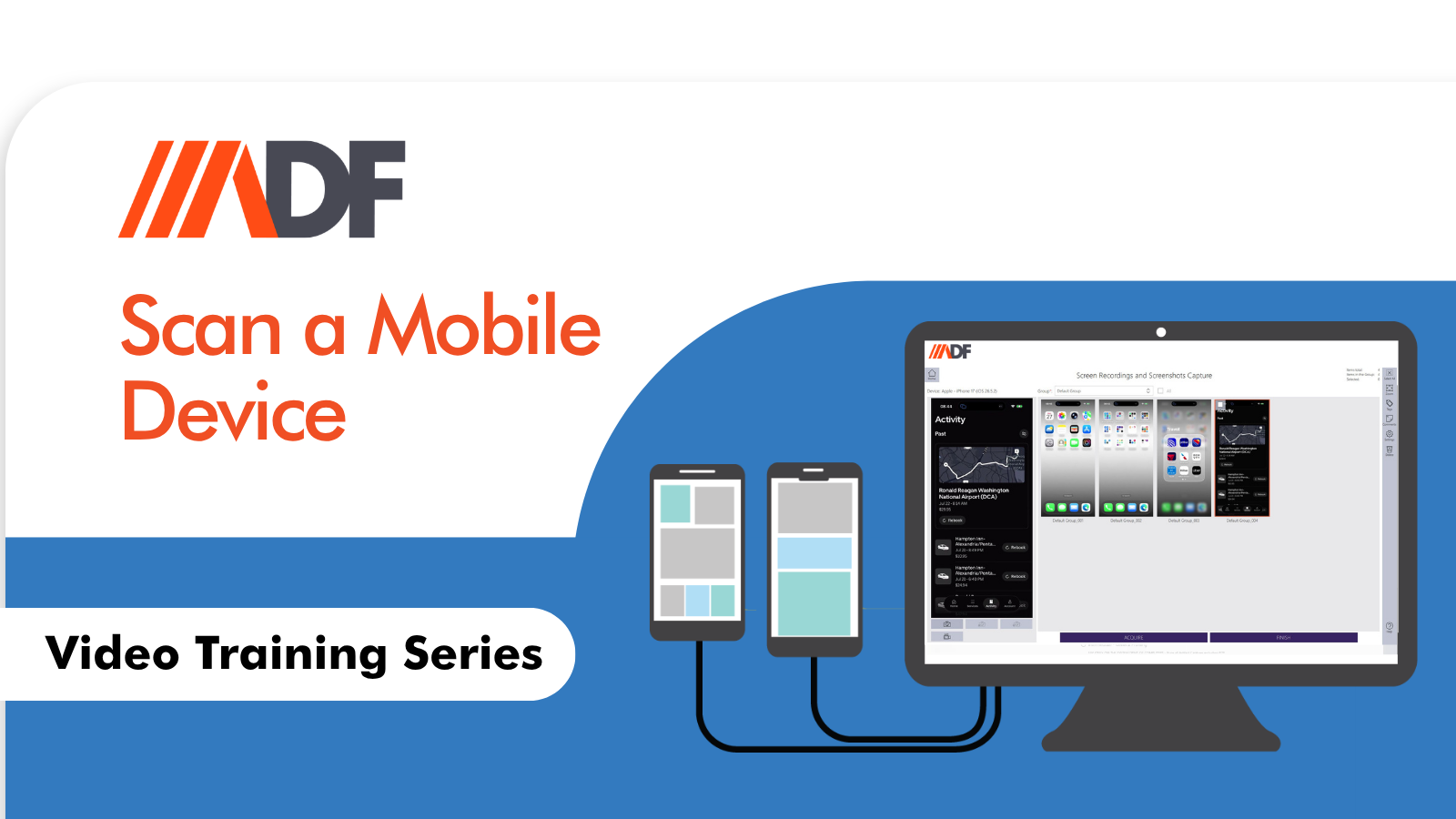
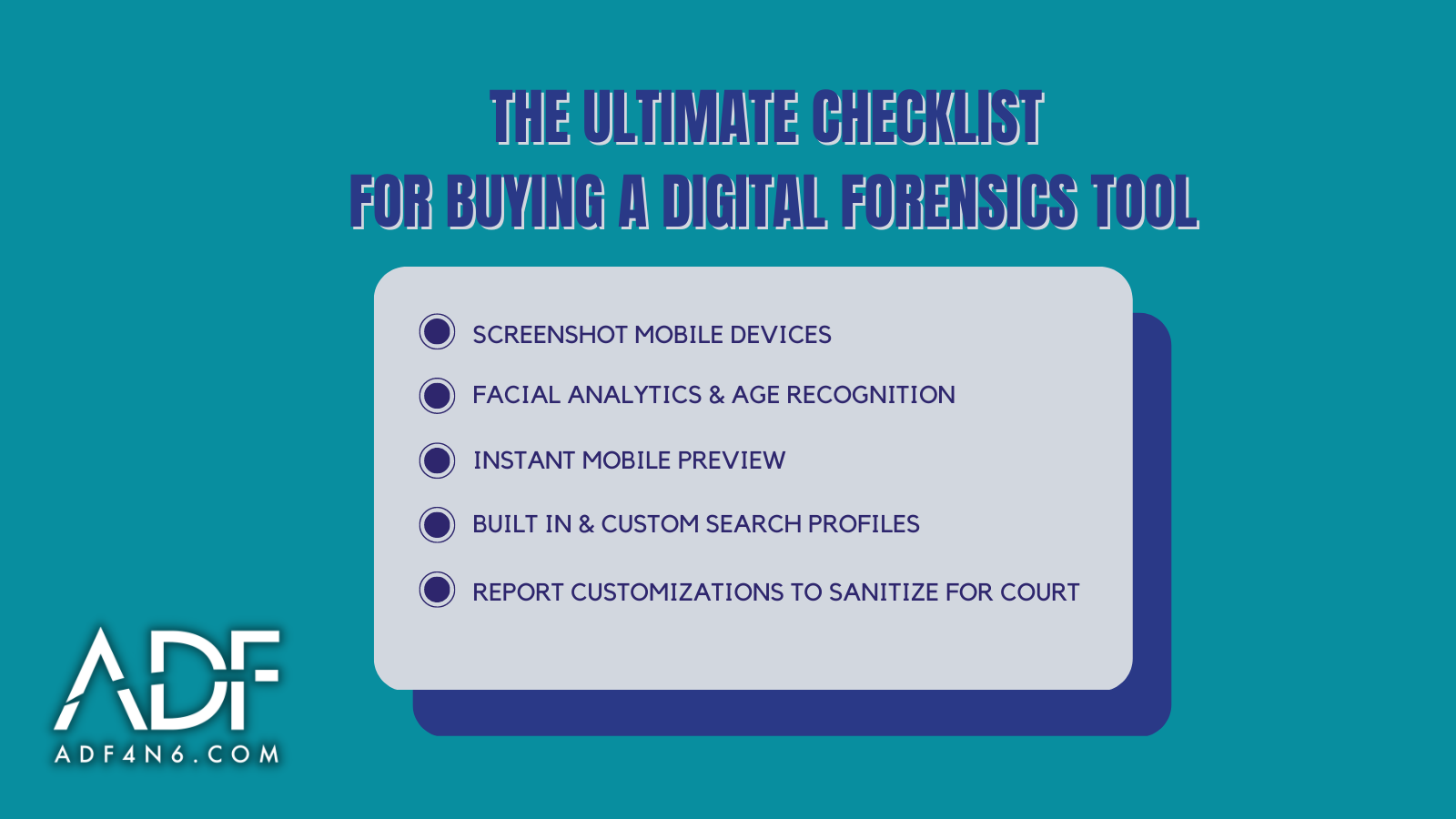
- Speed is critical in many investigations which is why ADF Screenshot capabilities are available from the Home Screen to enable investigators to quickly capture screenshots from a connected mobile device. This feature lets investigators easily capture:
- How a particular app or screen appears to the user
- Data that may not be included in a backup
- Textual content of any screenshots which is automatically extracted with Optical Character Recognition (OCR) for text search during an investigation
- Speed is critical in many investigations which is why ADF Screenshot capabilities are available from the Home Screen to enable investigators to quickly capture screenshots from a connected mobile device. This feature lets investigators easily capture:
-
Facial Analytics & Age Group Recognition
- ADF’s Digital Forensics Age Detection capabilities allow investigators to take advantage of automated facial analysis and image recognition to filter results. The system can automatically find and detect images of:
- Infants
- Toddlers
- Children
- Adults
- ADF’s Digital Forensics Age Detection capabilities allow investigators to take advantage of automated facial analysis and image recognition to filter results. The system can automatically find and detect images of:
-
- With ADF Mobile Preview capabilities, you can start looking at phone content immediately without waiting for a backup or imaging to finish. Preview is available in Mobile Device Investigator, the MDI Field Tablet, the DEI PRO Field Tablet, and each of the ADF PRO tools. Mobile Preview is designed to collect artifacts as well as pictures, videos, and documents.
-
Built In & Custom Search Profiles
- Search profiles allow you to hone in on the exact evidence you are looking to collect which makes your scans targeted, easy, and fast. Search Profiles can be utilized with our default base profiles, or edited, customized, or created to suit your operational needs. No matter the type of cases you are working or the operating systems you are encountering, ADF tools can assist and enhance you with your digital forensics and triage capabilities.
-
Report Customizations to Sanitize for Court
- One of the most important factors in a child exploitation investigation, is having the ability to show a report to a colleague, co-worker, prosecutor, or present to present your findings in court without re-victimizing the subject of the photo, or shocking the sense of the viewer of the report. Having a professional report that still reflects the properties that need to be presented is essential to your case.
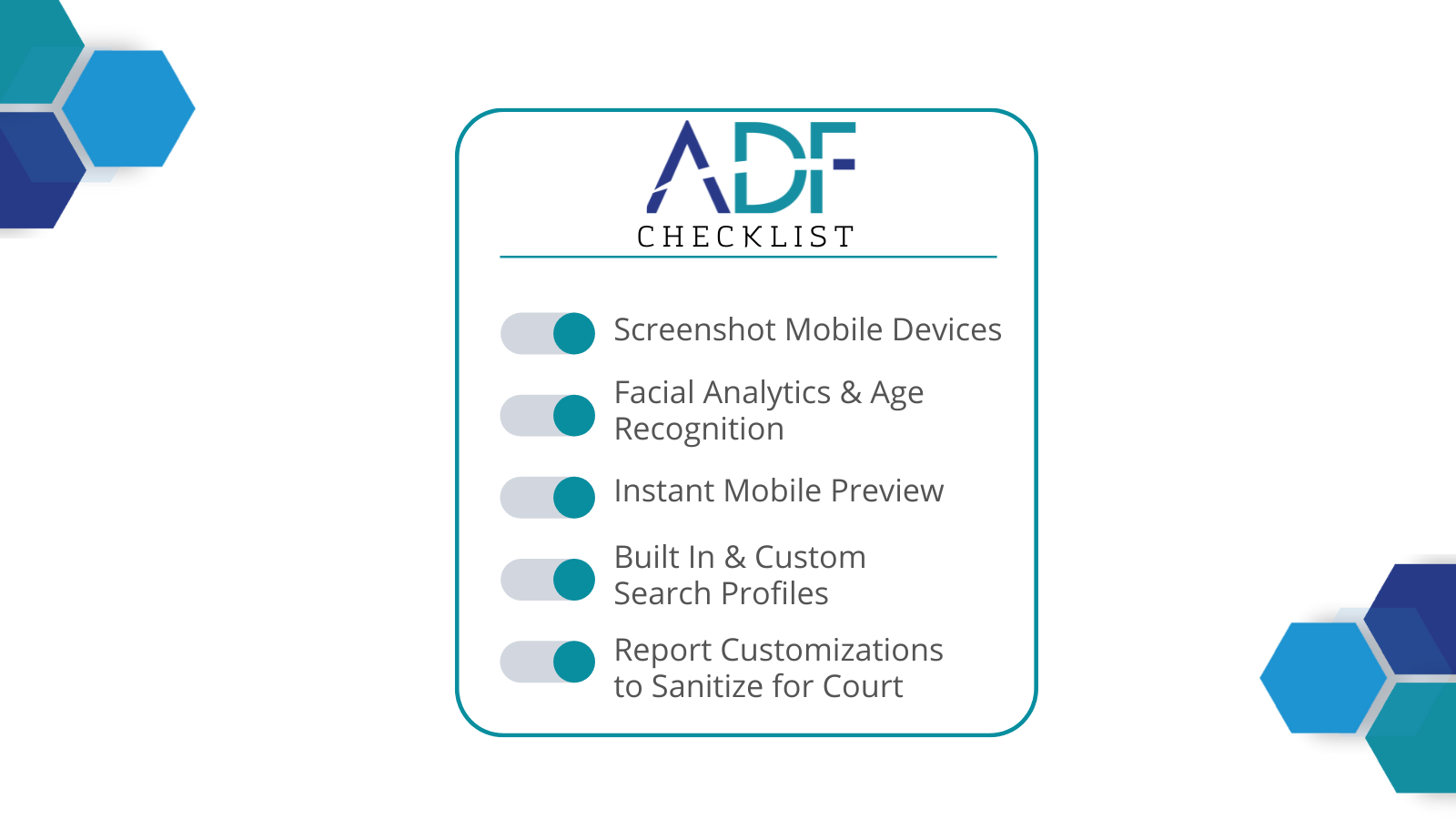
ADF tools are easy-to-use, learn and deploy across large teams which means your agents can make field decisions to identify suspects and protect victims. In addition, you’ll reduce your forensic backlog. Your field agents will know just what devices to seize to bring back the lab and your examiners will know right where to start their investigation.